

Build an appeal package
PPR Review is for BCaBAs, BCBAs and agency managers on Agency Pro.
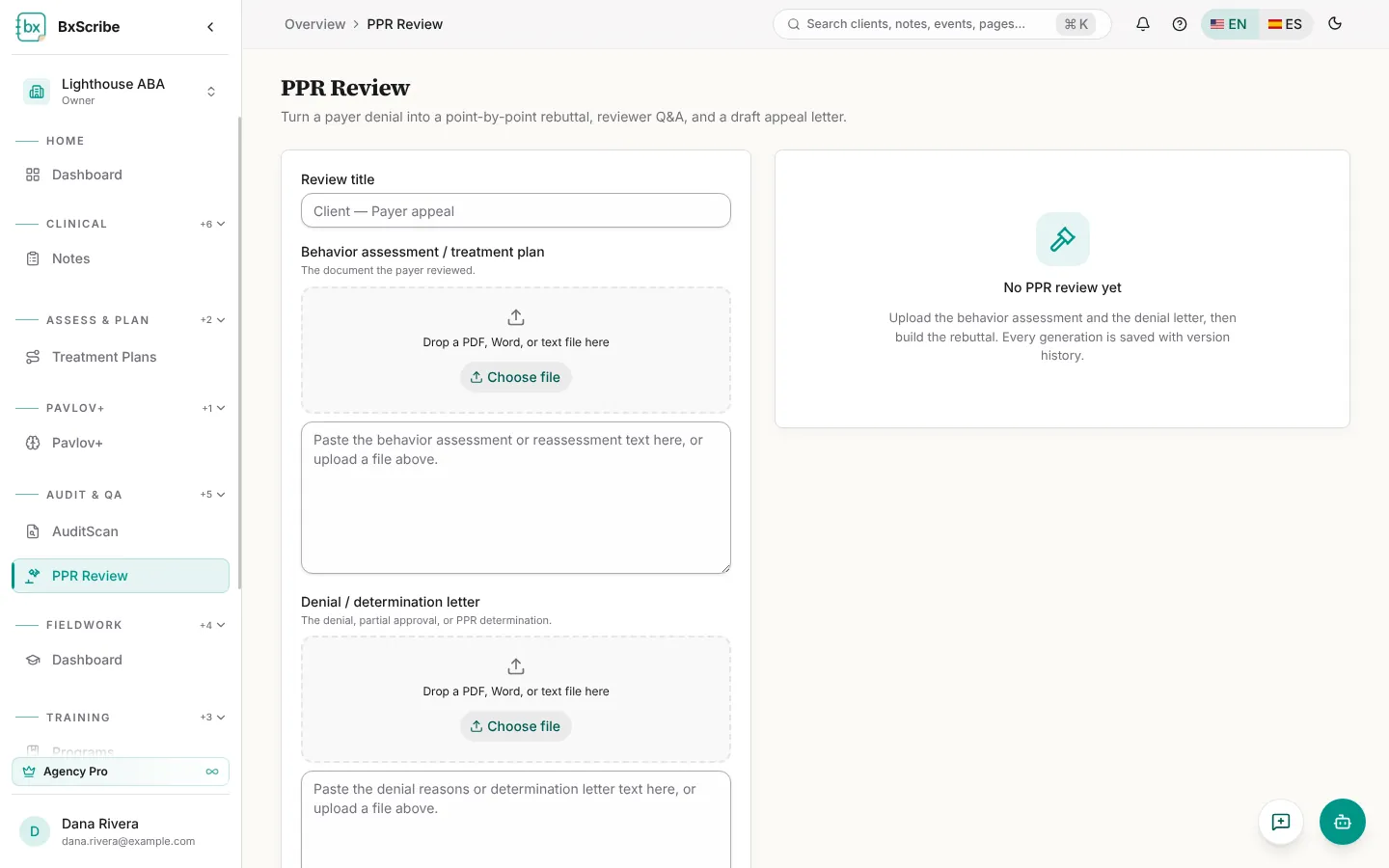
- Give the review a title.
- Upload or paste the behavior assessment or treatment plan the payer reviewed.
- Upload or paste the denial or determination letter.
- Select Extract fields to pull out diagnoses, dates and other facts. Check and edit them.
- Complete the authorization context (client, payer, CPT codes in dispute, dates, units requested and approved, appeal deadline).
- Add one row per denial reason, quoting the payer's stated reason.
- Choose the sections to include and select Build rebuttal.
Review, save and export
A coverage check confirms that every denial reason has a matching rebuttal. Edit any section, Save to keep a version, and export the whole package as TXT, Word or PDF, or just the appeal letter. The saved reviews list shows each payer, the number of denials and how many days are left before the appeal deadline.