

Who can use Audit & QA
Audit & QA is for agencies. The agency owner, clinical directors and compliance staff have it automatically; the owner can turn it on for anyone else from Team & Staff (⋯ → Enable audit tools). Agency Starter includes the Overview, Corrections and History; Agency Pro adds AuditScan, the Review extension, ABA Summarize and PPR Review.
The readiness dashboard
Open Overview in the Audit & QA group. Cards link to each tool, and the tiles summarize your scans: average score, documents reviewed, high-risk documents, open risk flags, the change from last month and scans this month.
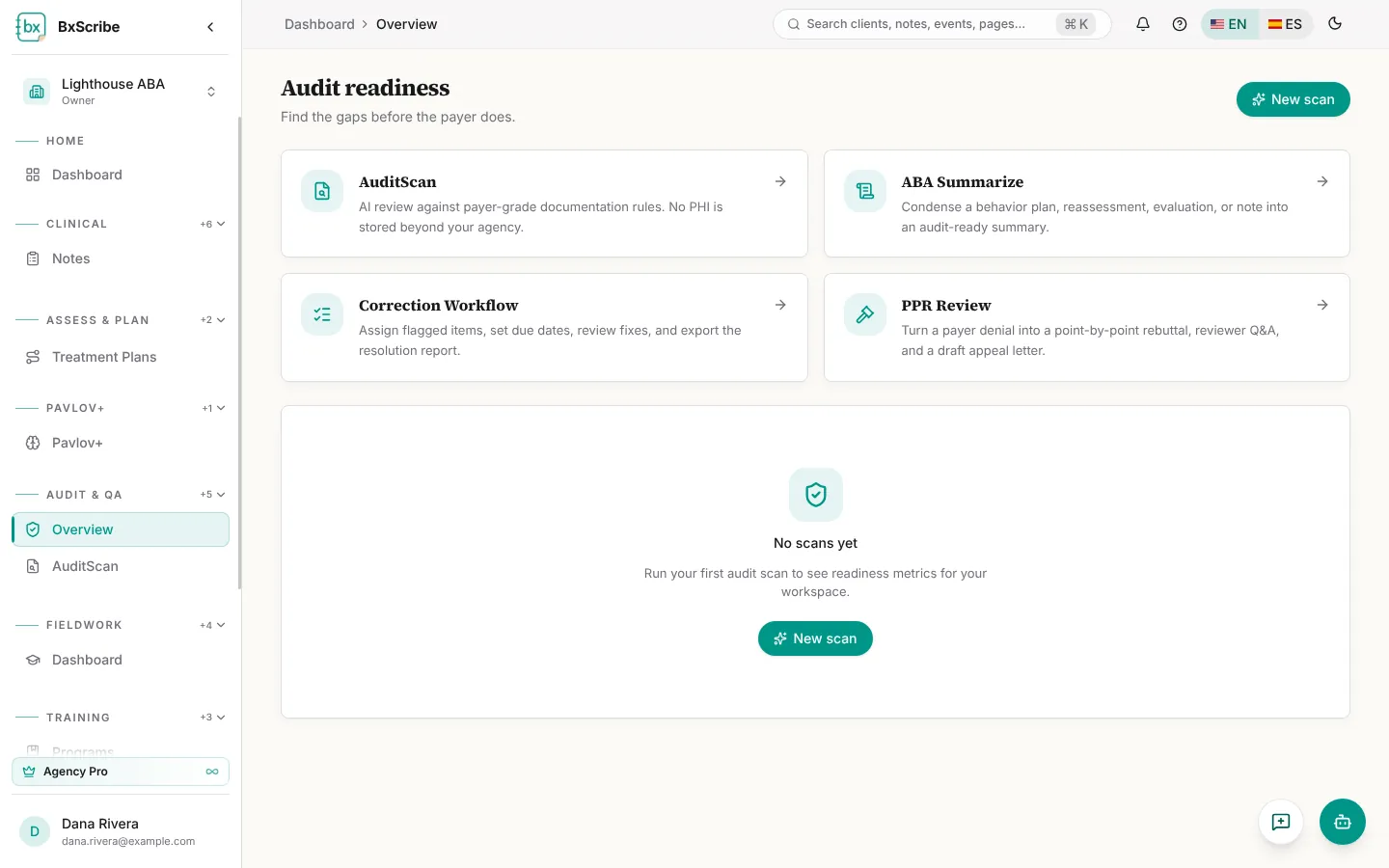
- Audit score trend: the monthly average score.
- Top denial triggers: the reasons that come up most often.
- Risk by payer: low, moderate and high-risk documents per payer.
- Recent scans and the corrections queue, with links to History and Corrections.
How results are graded
- Score: 0–100, based on the required elements for the document type and payer wording rules.
- Risk: Low, Moderate, High or Critical.
- Readiness: Ready, Minor edits or Major revision. A CPT mismatch, three or more missing elements, or high risk always means Major revision.
- Verdict: Ready for submission, Ready with minor corrections, or Not ready for submission.