

Add the document
Open AuditScan. Use whichever way suits the document you have:
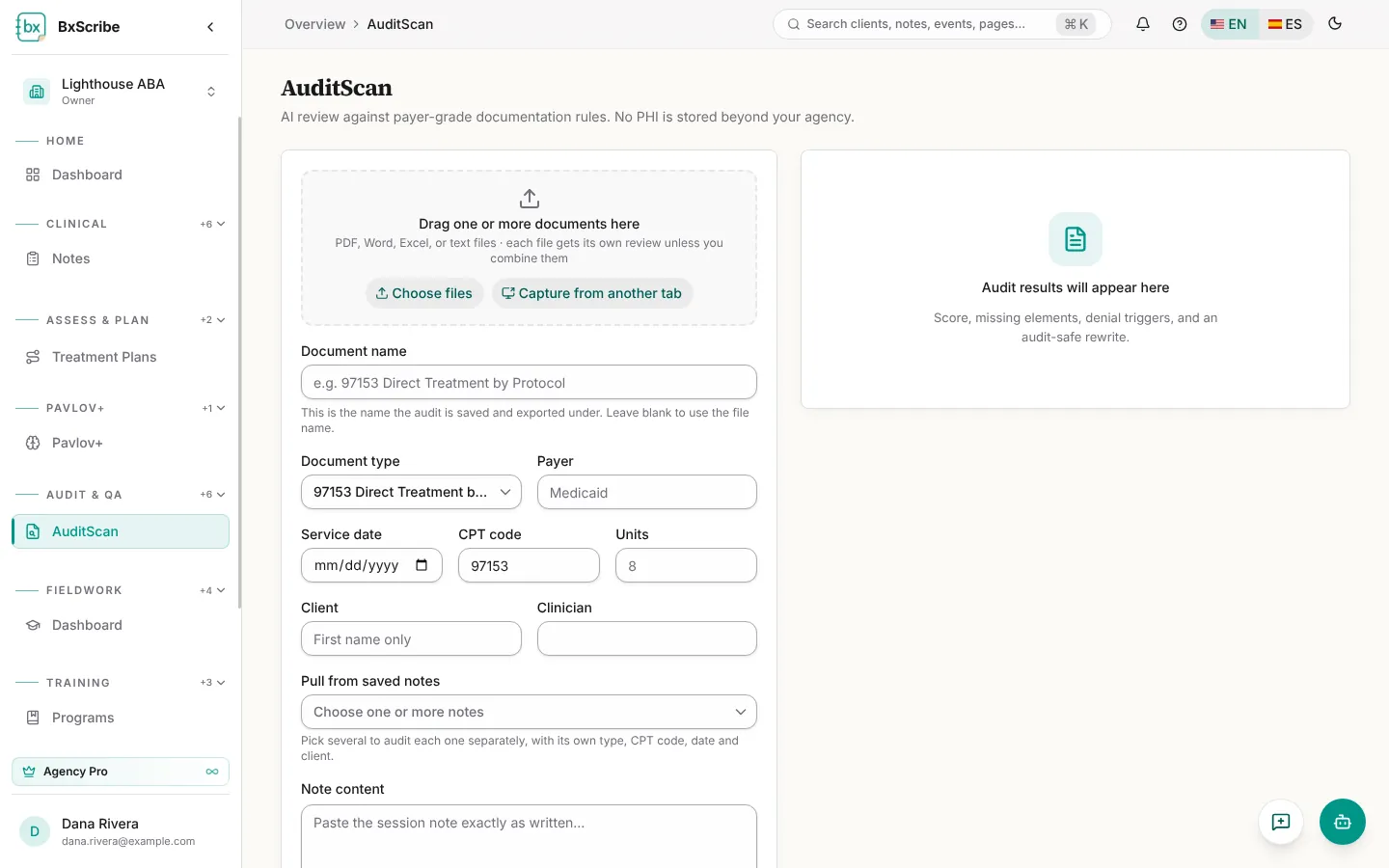
- Drag files onto the upload area or select Choose files (PDF, Word, Excel and text). Several files are scanned separately unless you switch on Combine files into one review.
- Capture from another tab (Chrome and Edge on desktop): pick your EHR tab and capture each screen. The text is read from the screenshots, which aren't saved.
- Pull from saved notes: pick one or more of your BxScribe notes.
- Paste the note into Note content.
Run the scan
- Fill in the document name, document type (for example 97153, 97155, 97156, Treatment Plan or Supervision Log), payer, service date, CPT code, units, client first name and clinician.
- Select Run scan (or Run scans for several files).
- Wait for the results. Long documents are checked in parts.
Read and fix the results
The score card shows the score, risk, verdict and four lens scores (clinical precision, ethics and safety, goal quality and plan coherence). The tabs break the result down:
- Red flags: each problem with the standard it breaks and ways to fix it. Rewrite with this fix applies one.
- Elements: present, weak and missing required elements, with the evidence and why it's required. Mark fixed records a correction.
- Language: prohibited, non-observable and weak wording, with Replace in note.
- Necessity, Denial and Fix: medical-necessity criteria, denial triggers and a correction checklist.
- Rewrite: an audit-safe rewrite that uses only facts from your note. Compare versions, then Use this version or copy it.
Export and history
Download the report as PDF, Word or CSV, plus a resolution report once items are fixed. Exports use your default export template and agency letterhead, and every download is recorded in the HIPAA access log. Every scan is saved to History.