

What it's for
The Reference Library (Agency Pro) stores examples of documents your agency considers good: assessments, reassessments, treatment plans and session notes. Pavlov+ Chat searches them when answering, and documents marked as style examples guide the structure and tone of AI drafts. Names and identifiers are never copied from them.
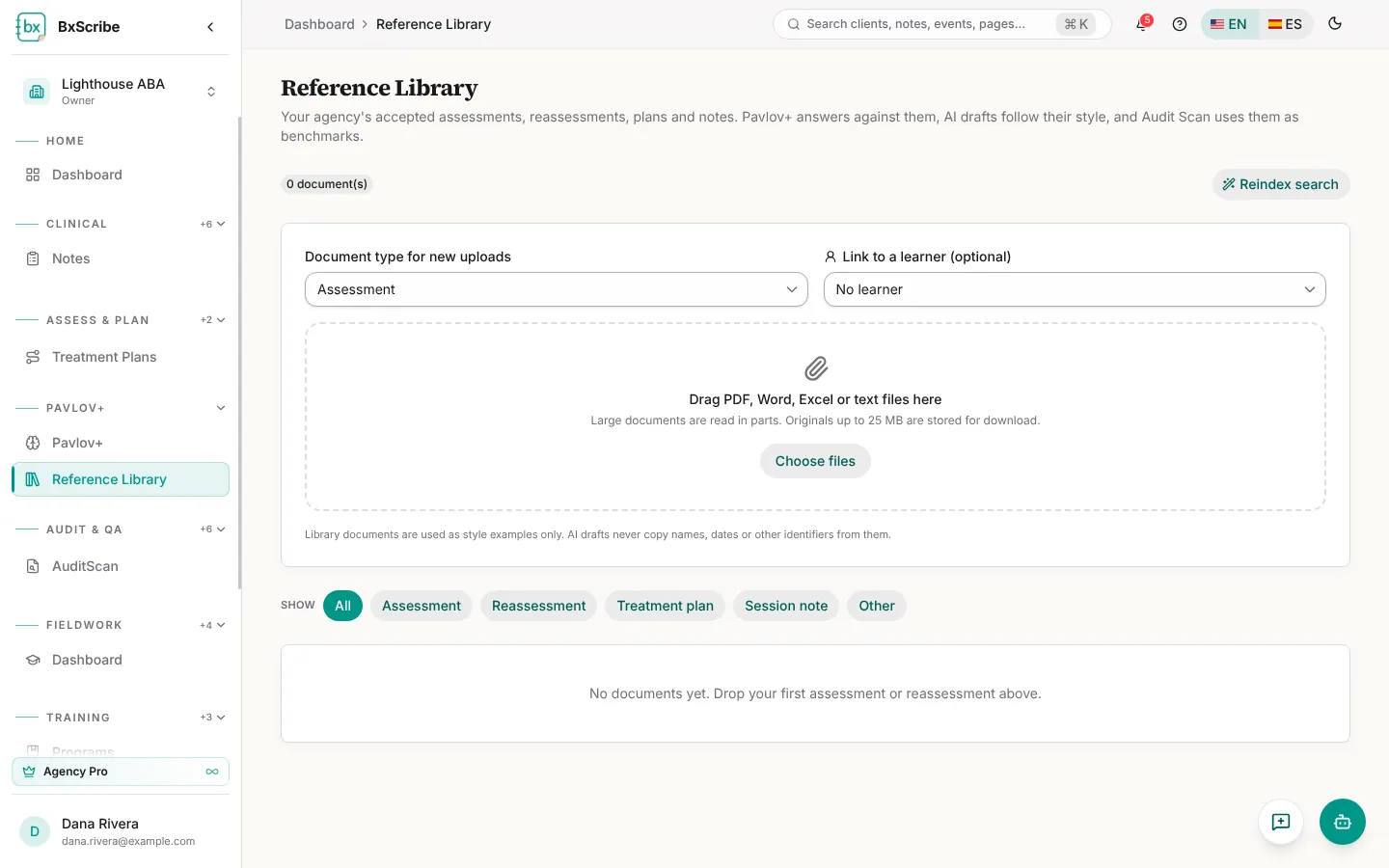
Upload documents
- Choose the document type for new uploads, and optionally link them to a learner.
- Drag PDF, Word, Excel or text files onto the page, or select Choose files.
- Wait for processing to finish. Files over 25 MB keep only their text.
- Select the sparkle icon on a document to mark it as a Style example.