What's included
Pavlov+ has three tabs. Practice is available on every plan that includes Pavlov+, Sessions on Individual and above and every agency plan, and Chat on Pro and Agency Pro. Pavlov+ isn't part of Agency Starter.
Sessions
Sessions shows how many sessions and hours were delivered this month, and how many sessions still have no note. Pick a learner on the left to see their sessions per month, hours per month and a timeline of every session with its note status.
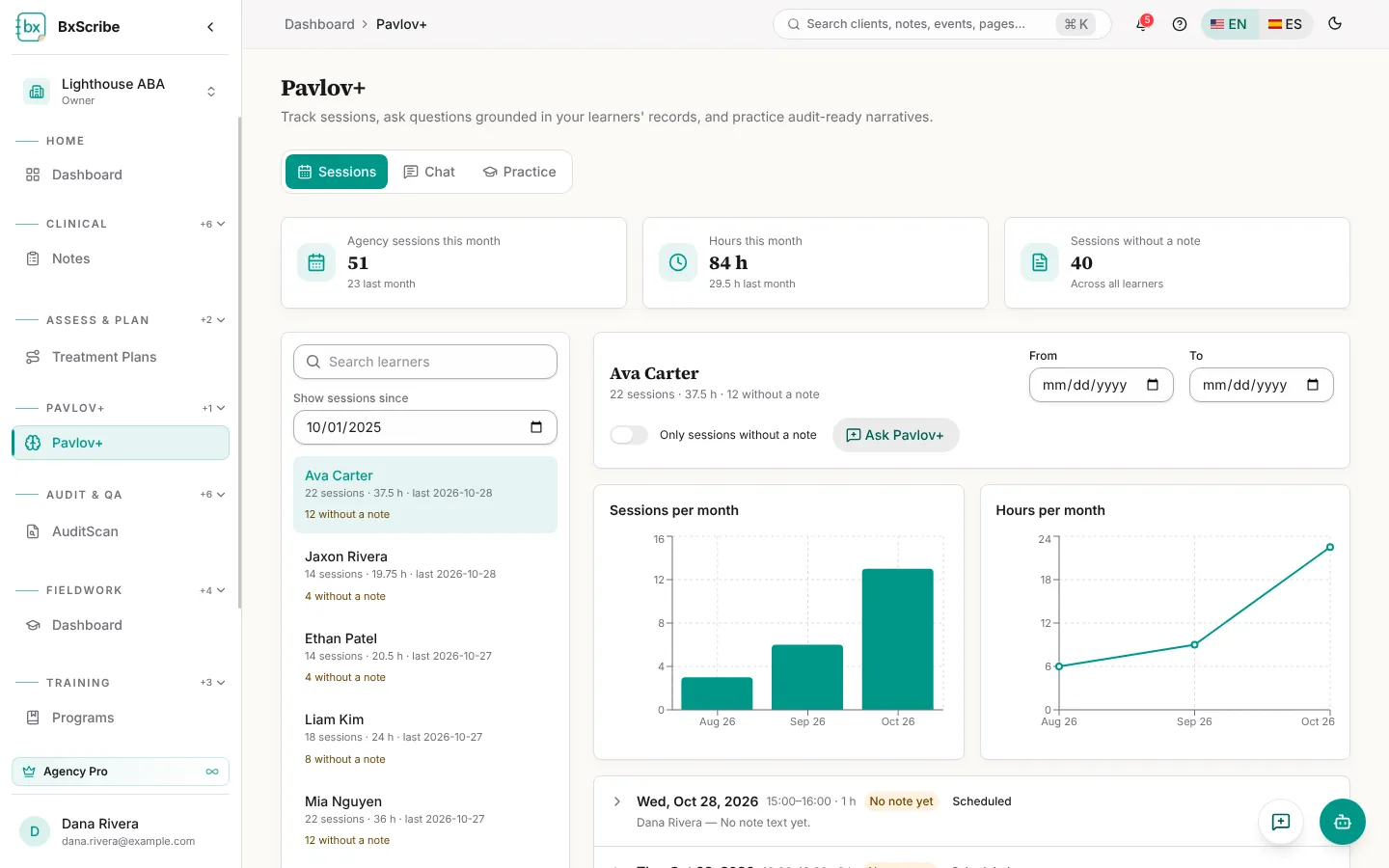
- Use Show sessions since, From and To to change the period.
- Switch on Only sessions without a note to find the notes still to write.
- Expand a session for its summary, progress and recommendations, and select Open note.
- Ask Pavlov+ opens a chat about that learner (Chat plans).
Chat
Chat answers questions using only the records and documents you attach. Answers list the sources they used.
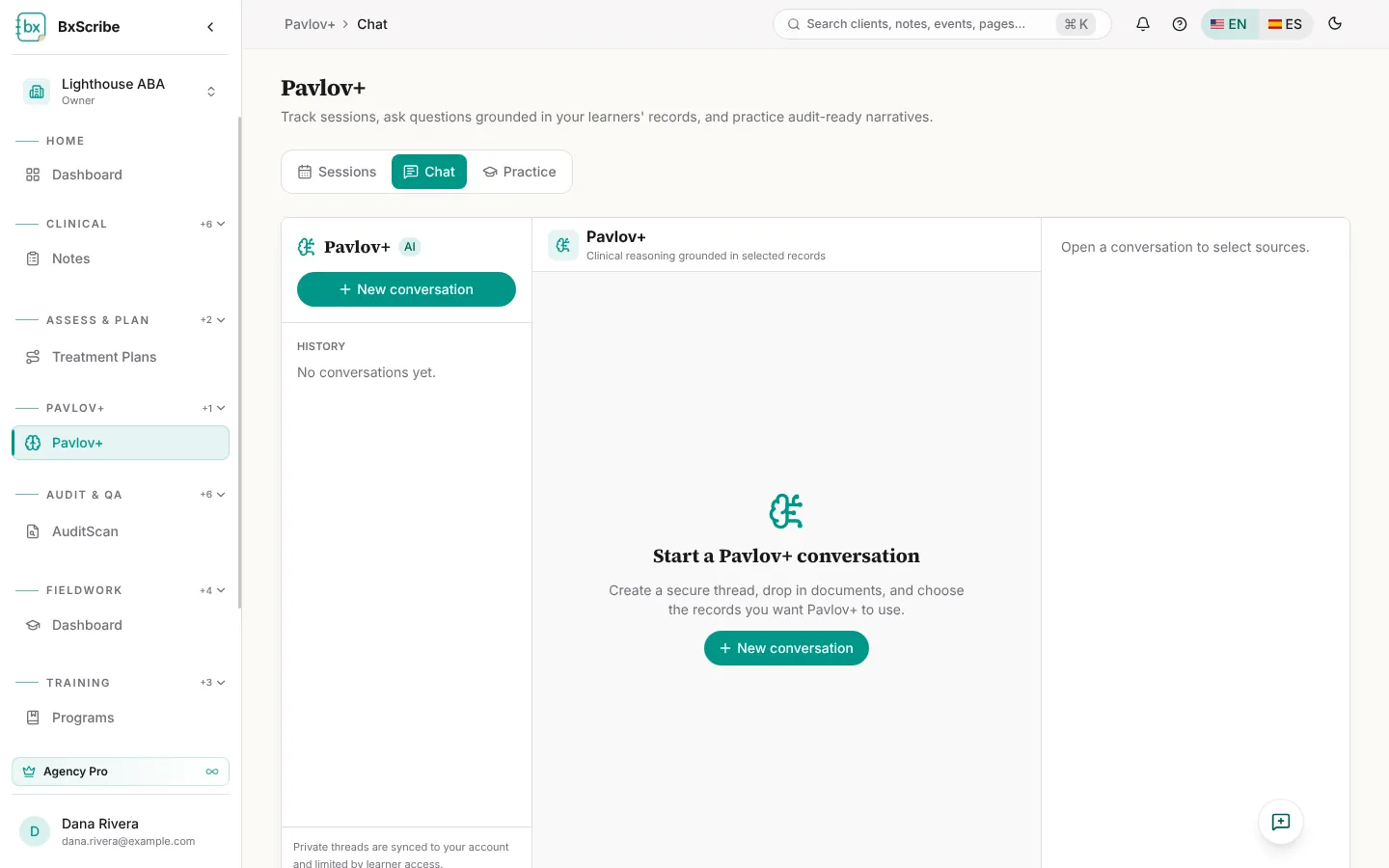
- Select New conversation.
- In Clinical sources, choose a learner or plan, and tick the records to use: assessments, treatment plans, recent session notes, files, summaries and peer reviews. You can also drop in PDF, Word, Excel or text documents.
- Type your question and press Enter (Shift+Enter adds a line).
- Copy, rate or regenerate an answer. Conversations are saved privately to your account.
Practice
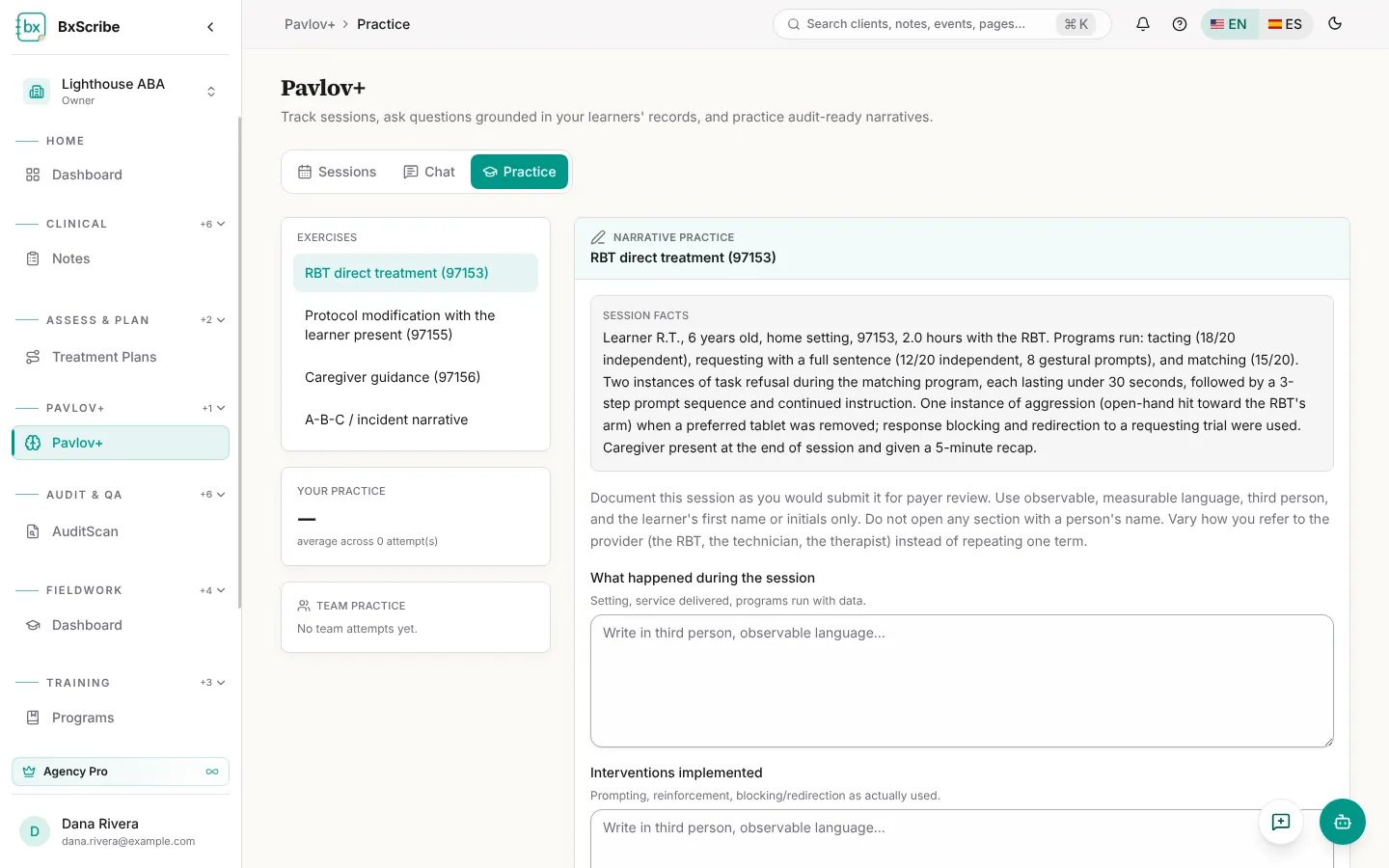
Practice gives you a session scenario and asks you to write the narrative. Choose an exercise (RBT direct treatment 97153, protocol modification 97155, caregiver guidance 97156, or an A-B-C / incident narrative), write each field, then select Score my narrative.
You get a checklist score and a reviewer rating for objectivity, completeness, medical necessity and clarity, with your strongest and weakest lines. Accept the suggested correction to save it and teach future drafts, or reject it. Show model answer and Start over are always available.