

Plan libraries
Plan Libraries holds the editable pick-lists behind every Plan Builder picker: behaviors, topographies, intensity levels and keys, replacement and intervention programs, functions, preference items, CPT codes, credentials, settings, medications and documents reviewed.
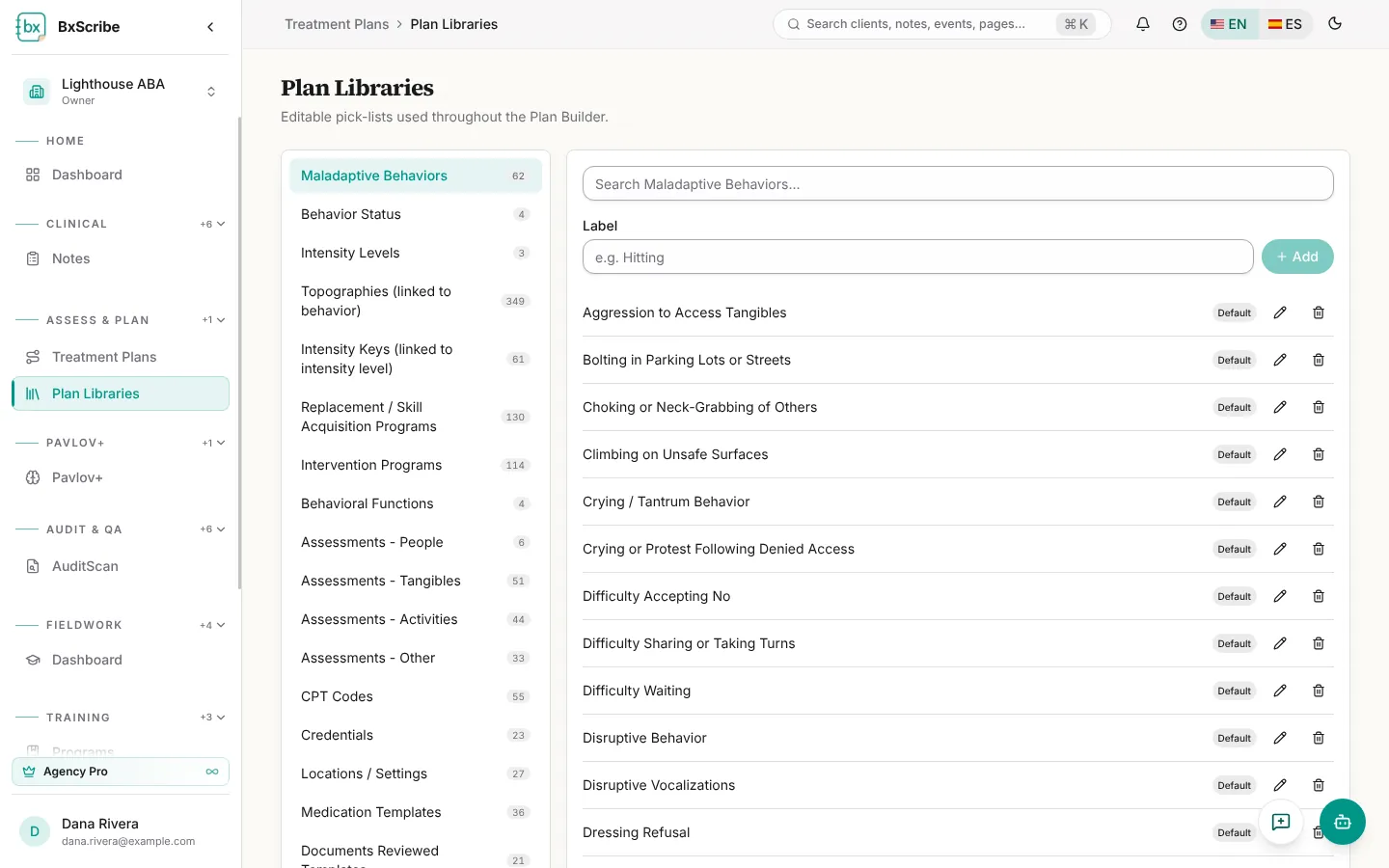
- Pick a category, then add an item with a label and select Add.
- Edit a behavior to set the definition, onset, offset and functions that fill in when it's picked.
- Deleting a built-in Default item hides it for your workspace; add the same label again to bring it back.
- Personal Pro users and agency owners, admins and clinical directors can edit; everyone else can use the lists.
Payer templates
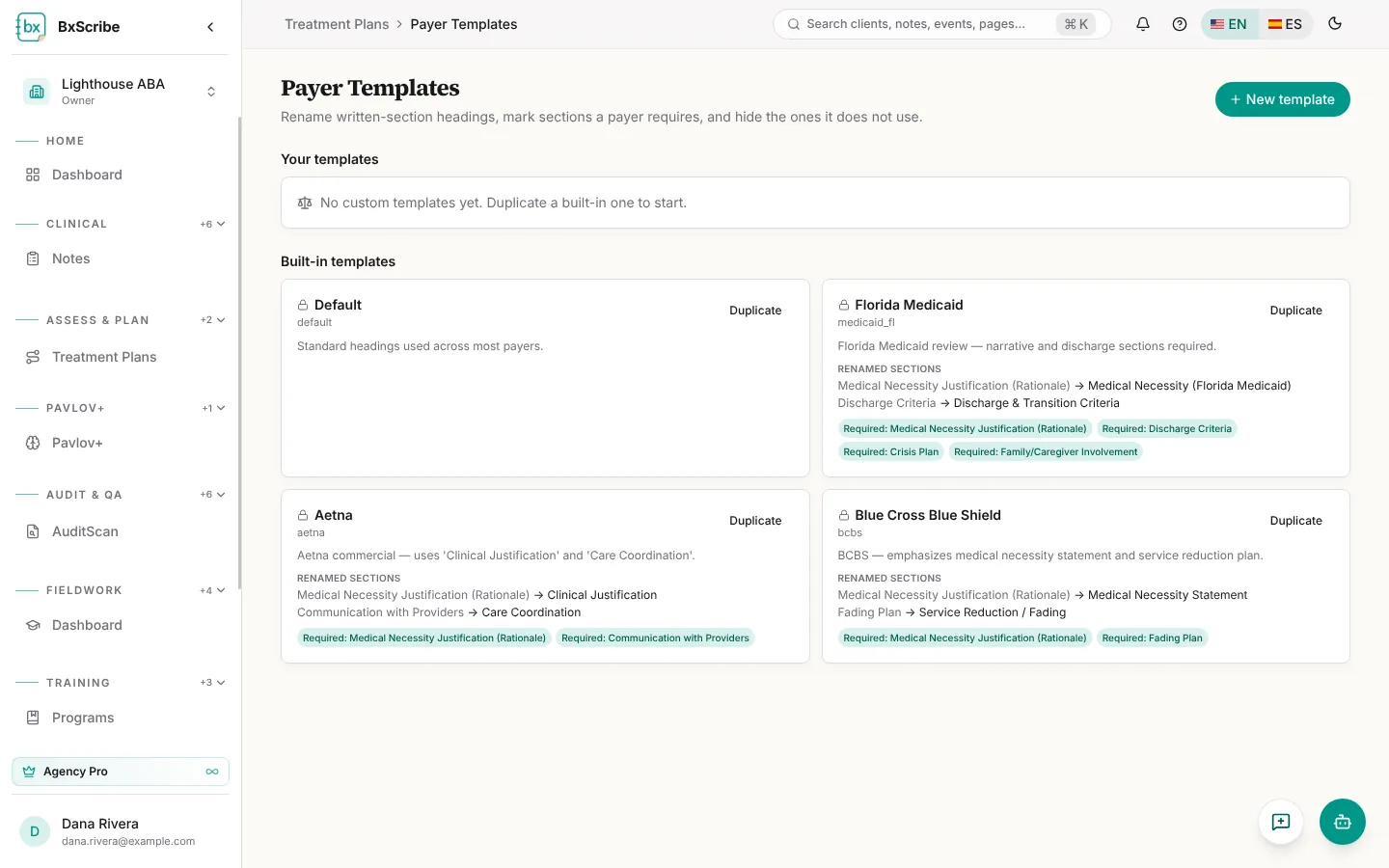
Payer templates rename narrative headings and mark sections as Required or Exclude for a payer. Built-in templates (Default, Florida Medicaid, Aetna and Blue Cross Blue Shield) are locked; select Duplicate to customize one, or New template to start from scratch. Choose the payer template when you create a plan or from the builder toolbar.
Export templates
Export templates control how PDF and Word exports look for plans, ABA Summarize and PPR Review: agency name and logo, colours, document theme, cover page, header and footer text, page numbers, section order and the filename pattern. A live preview updates as you edit.
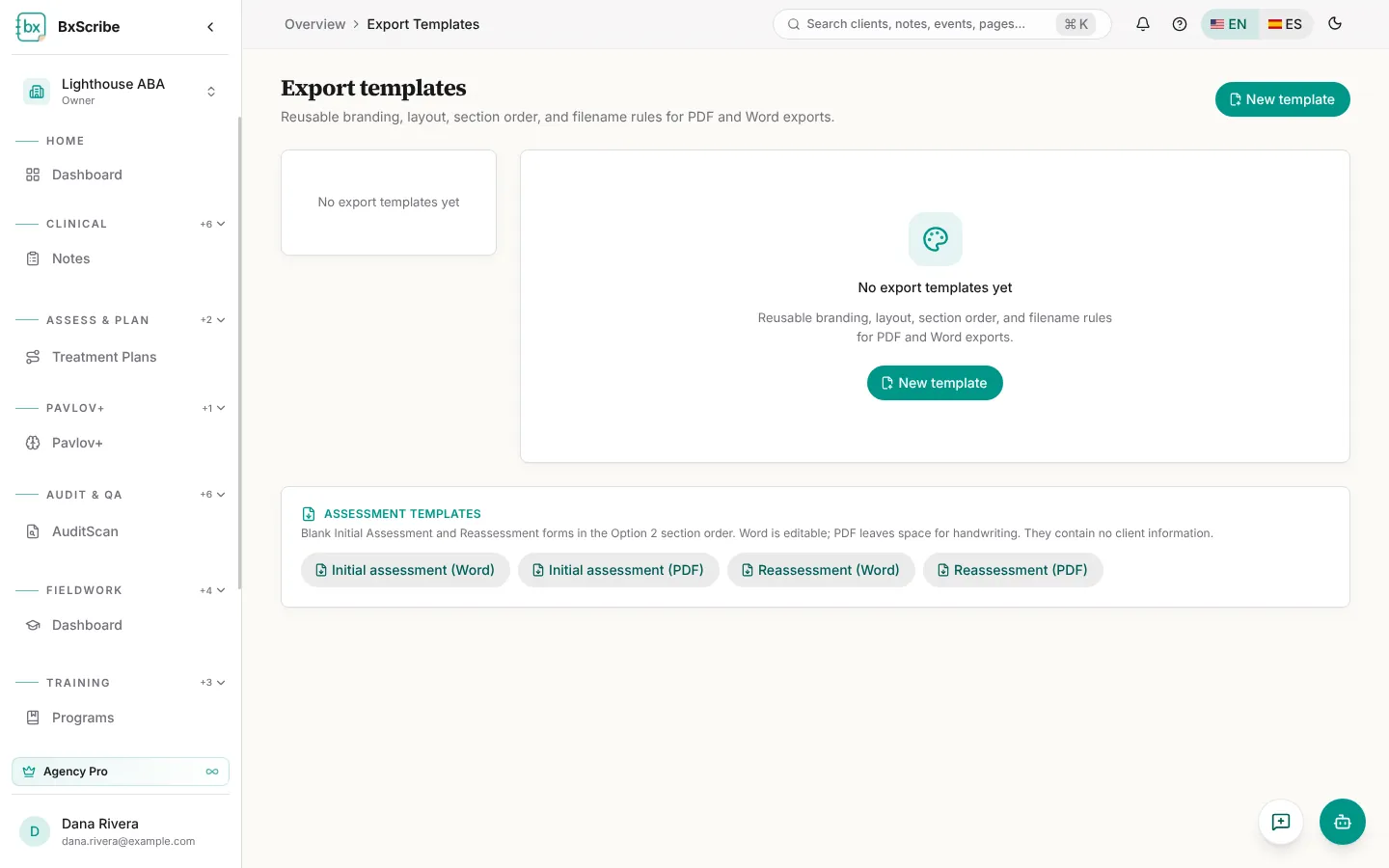
- Select New template and give it a name.
- Choose what it applies to and whether it's the default template.
- Set branding, theme and layout, reorder or rename sections and set the filename pattern.
- Select Save template. Pick it from the template picker when you export.