

Generate a report
Open Reports from the Clinical group. Reports summarize a client's month from their session notes, including drafts.
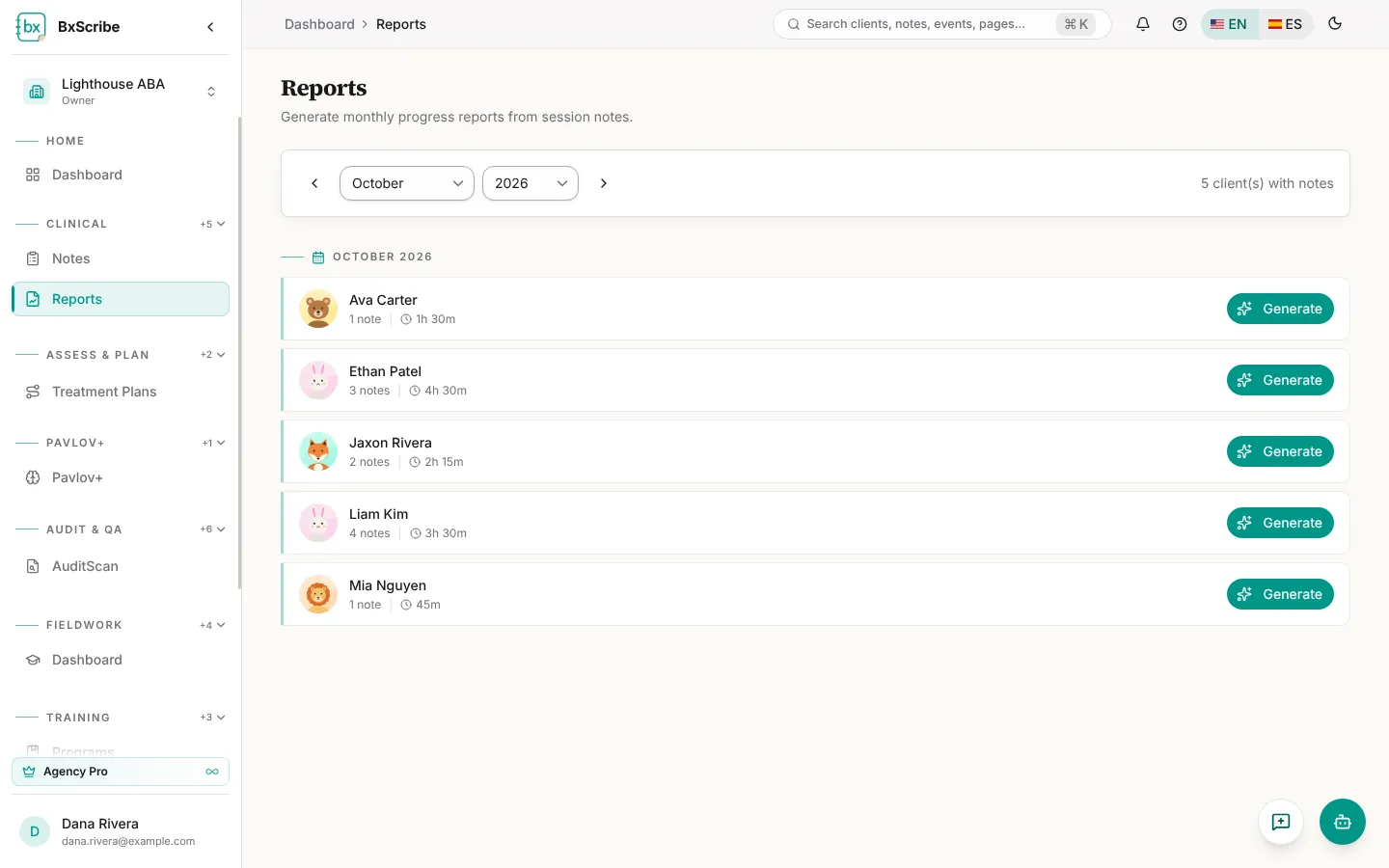
- Choose the month with the arrows or the month and year lists.
- Find the client in the list. Each row shows the number of notes and total time, and a Generated chip if a report exists.
- Select Generate. The report opens when it's ready.
- For an existing report, select View; the refresh icon regenerates it.
What's in a report
Each report shows sessions and total time, then an overview, narrative, goal progress with trends, behavior trends, recommendations and a billable summary. Copy All copies the whole report so you can paste it elsewhere. You can also open a client's reports from the Reports tile on their record.