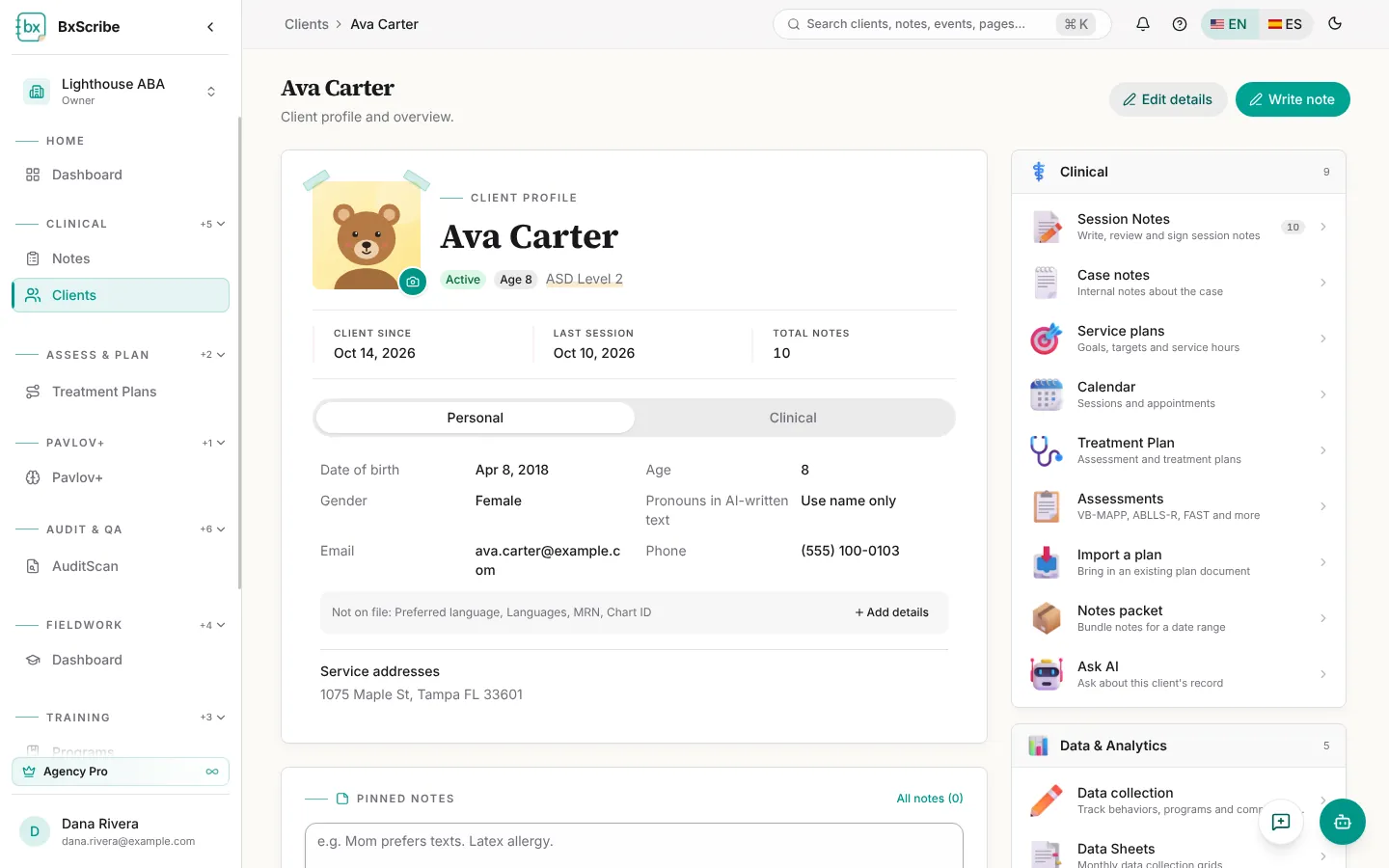
Profile and overview
Open a client from the Clients page. The profile card shows status, age, diagnosis, when they became a client, the last session and total notes. The Personal and Clinical tabs hold demographics and clinical details; fields that are still empty are listed under Not on file with an Add details button.
Use Edit details to update the profile and Write note to start a note with this client already selected.
Sections
The section rail on the right opens every part of the record. You only see the sections your plan and role include.
- Clinical: Session Notes, Case notes, Service plans, Calendar, Treatment Plan, Assessments, Import a plan, Notes packet and Ask AI.
- Data & Analytics: Data collection, Data Sheets, On-Site Collection, Analytics and Reports.
- Documents, Files & Team: Required Docs, Files, Documents, Care team, Authorizations, Access & disclosures and (agencies) Billing.
Session notes for this client
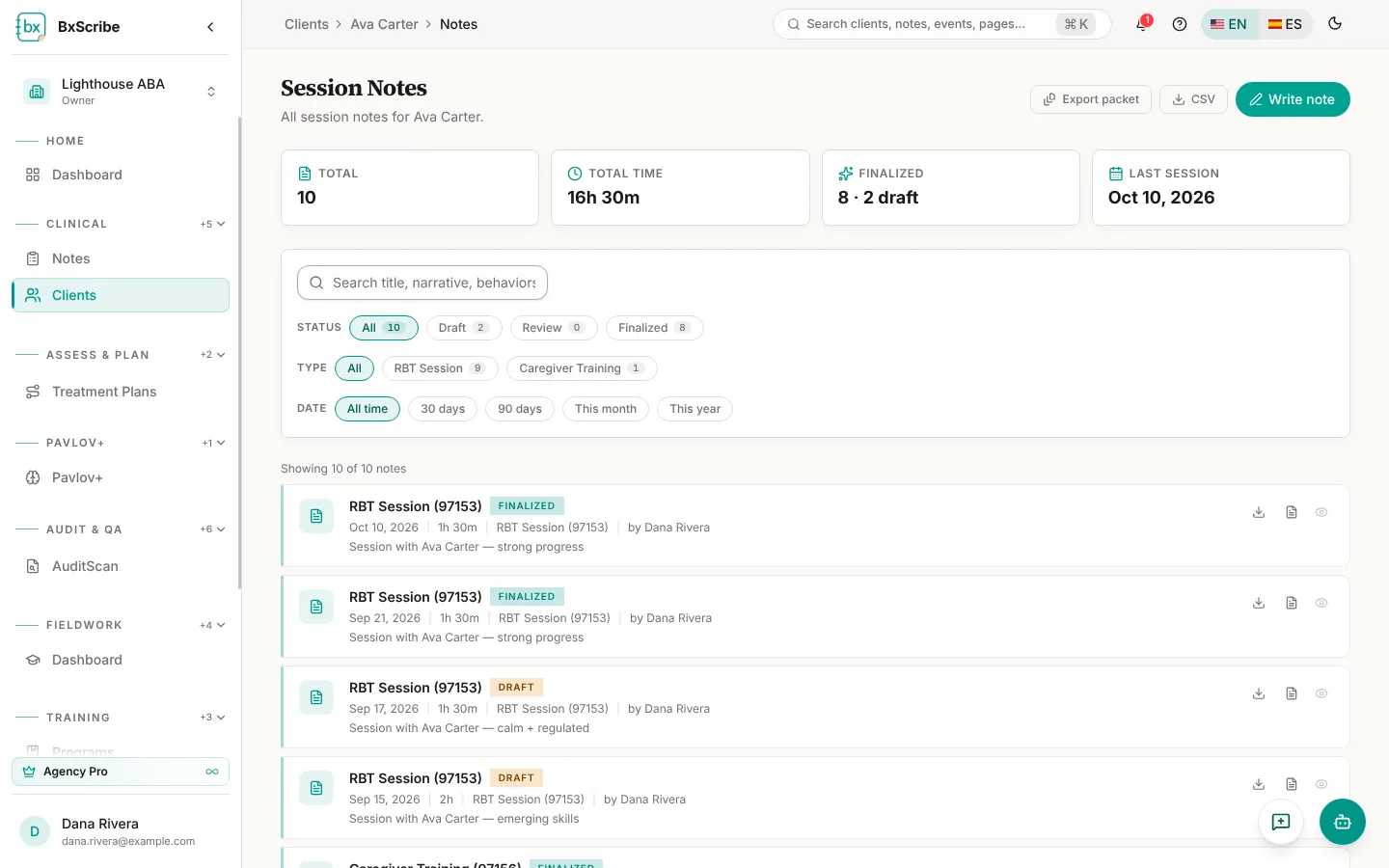
Session Notes lists the client's notes with total time, finalized and draft counts and the last session date. Search the text, filter by status, type and date, export a CSV, or download any note as PDF or Word.
Notes packet
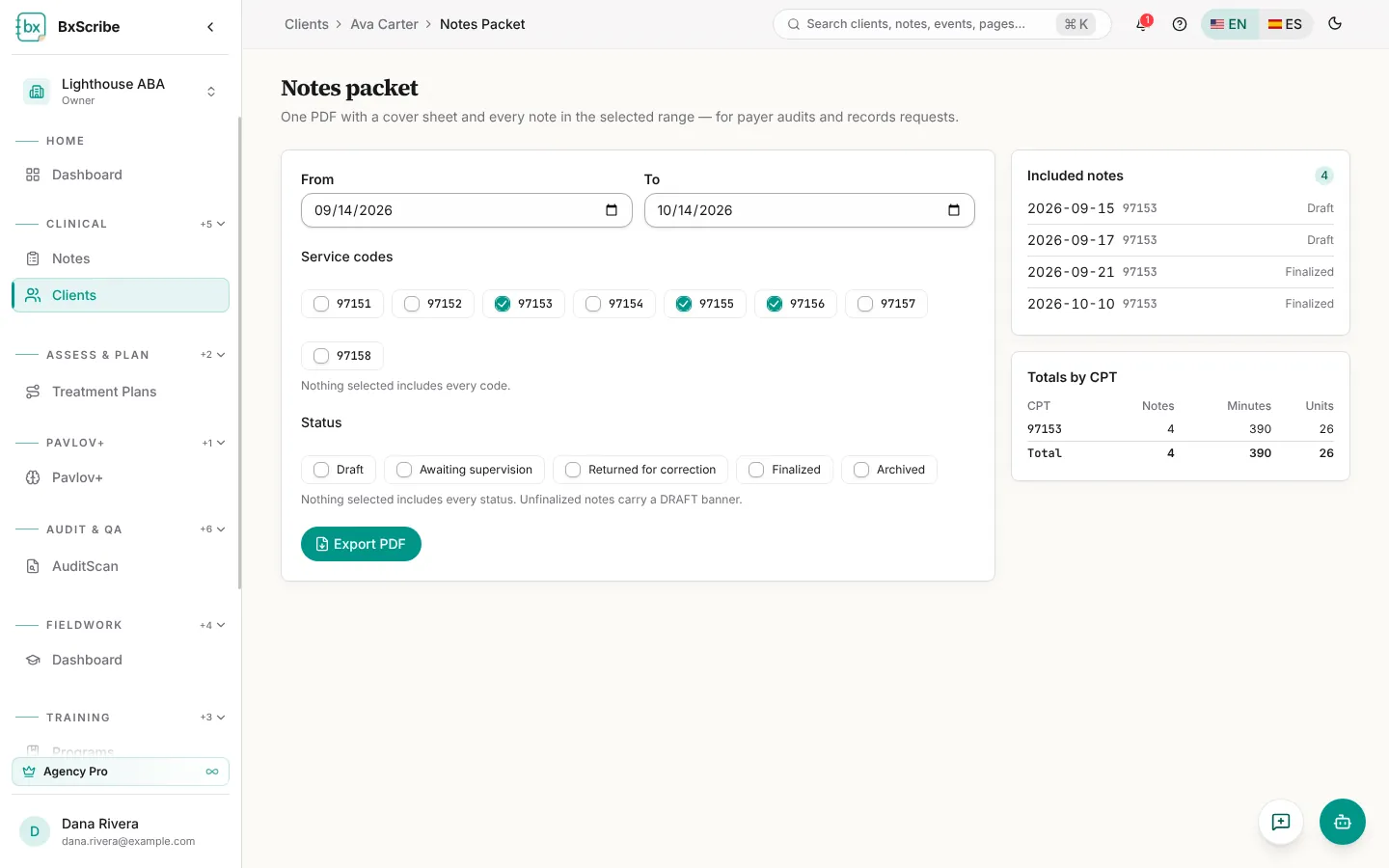
Notes packet builds one PDF with a cover sheet and every note in a date range, for payer audits and records requests. Choose the dates, service codes and statuses, check the totals by CPT code, then select Export PDF. Drafts carry a DRAFT banner.
Case notes, files and documents
- Case notes: short, non-billable notes; pin the ones the team should see first.
- Files: upload insurance cards, referrals, authorizations and other files (PDF, images, Word or Excel up to 25 MB).
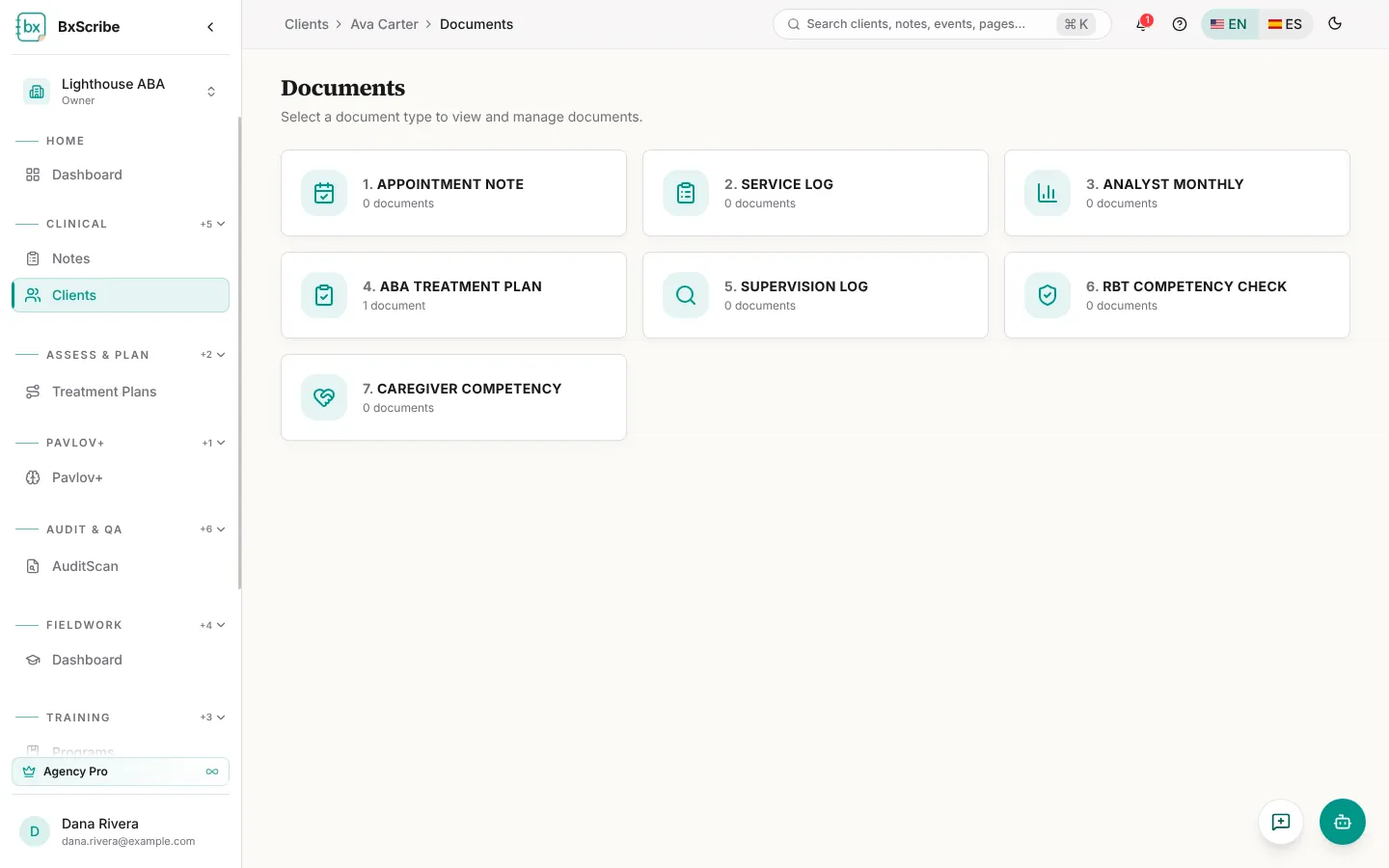
- Documents: structured clinical documents such as appointment notes, service logs, analyst monthlies, supervision logs and competency checks.
- Required Docs: compliance documents with issue and expiration dates and their status.
Care team and access history
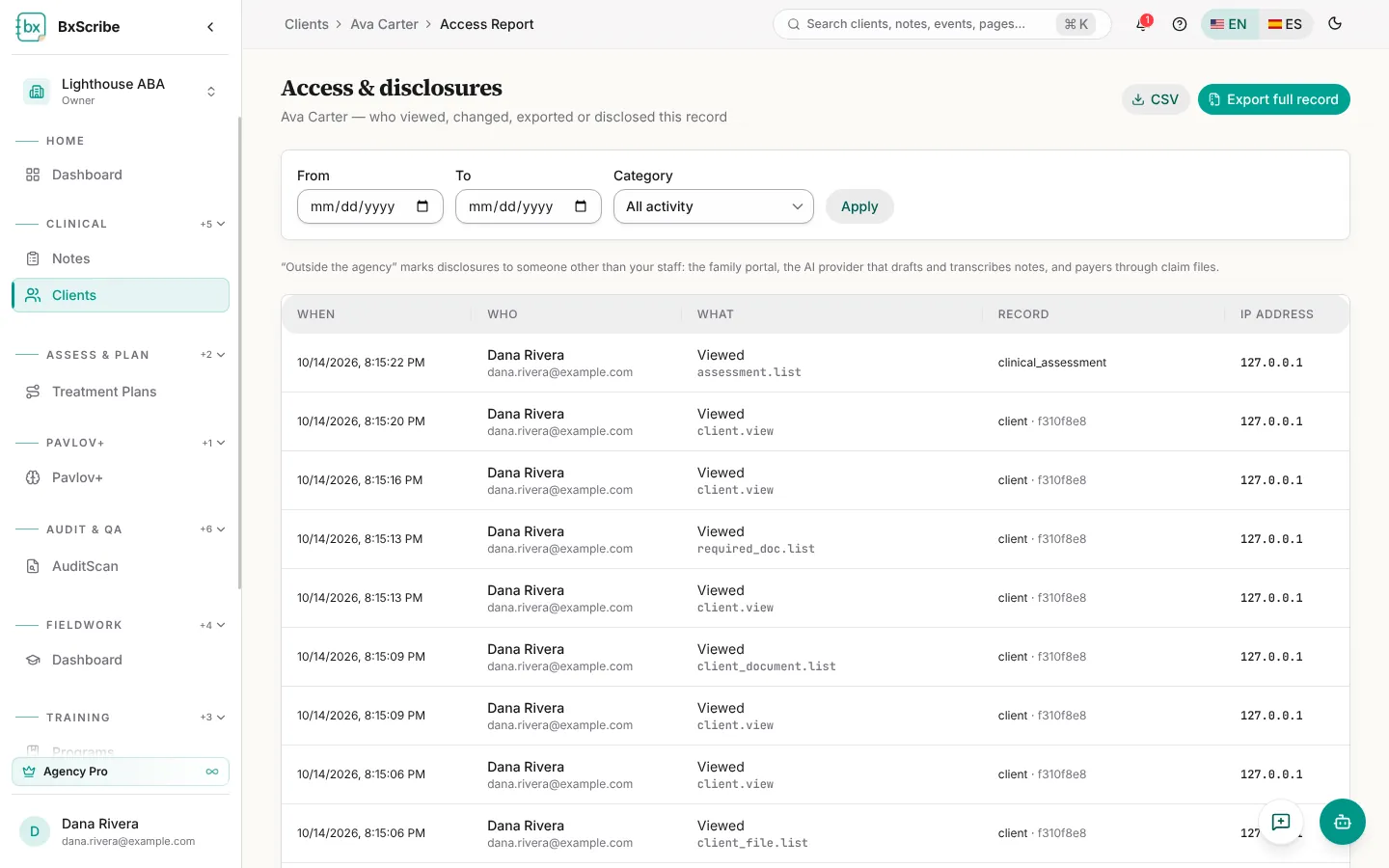
Care team (agencies) lists the staff assigned to the client and their case roles. Access & disclosures shows who viewed, changed, exported or disclosed the record and when; filter it by date and category or export the full record of access.