

Analytics
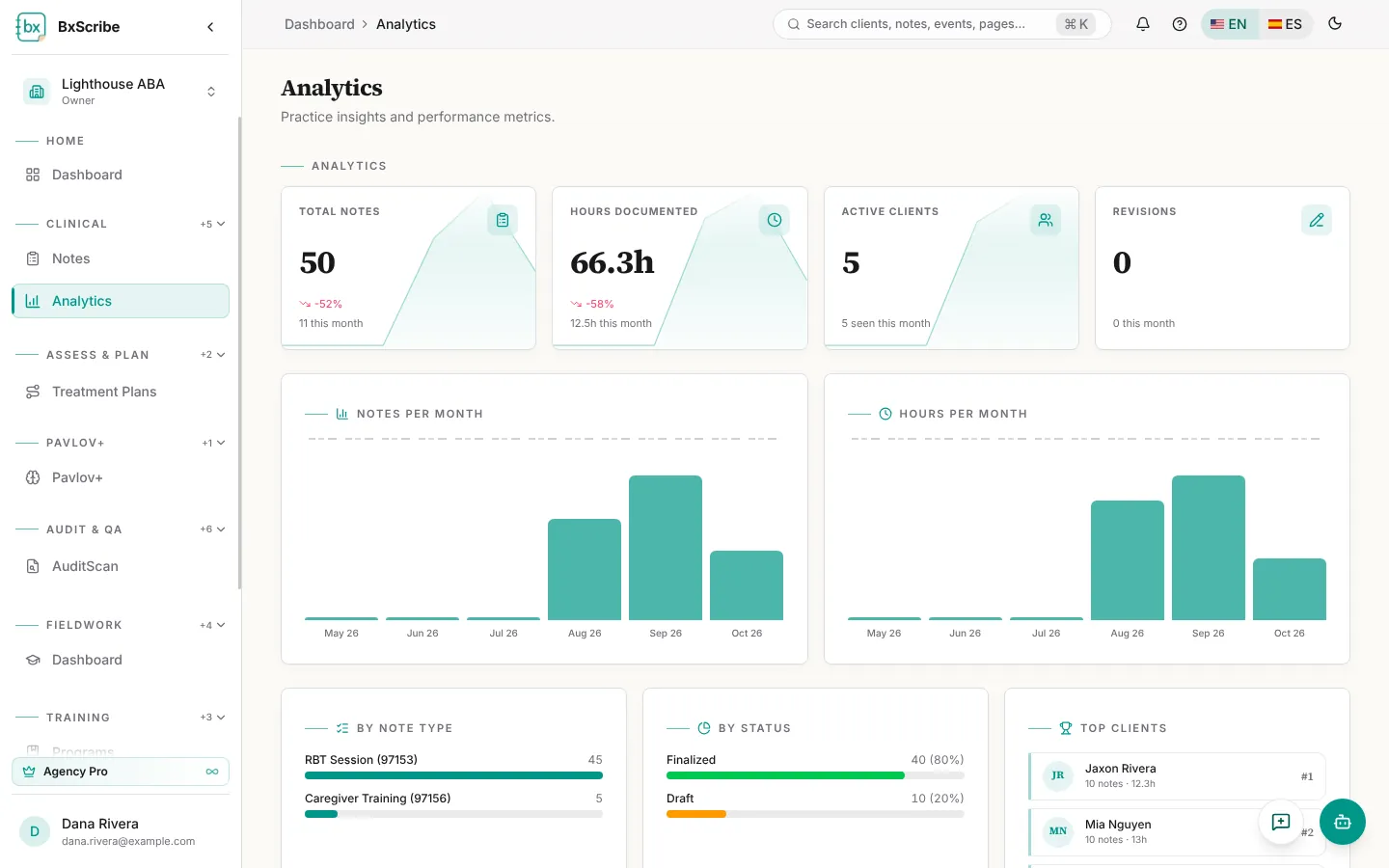
Analytics (Pro and Agency Pro) shows totals for notes, hours documented, active clients and revisions, with month-over-month change, plus charts of notes, hours and clients seen per month and breakdowns by note type, status and top clients.
Graph Interpretation
Graph Interpretation checks a behavior or skill graph against ABA graphing standards, catches data-entry errors, compares progress with an aim line and gives you corrected graphs to download. It's available on every plan.
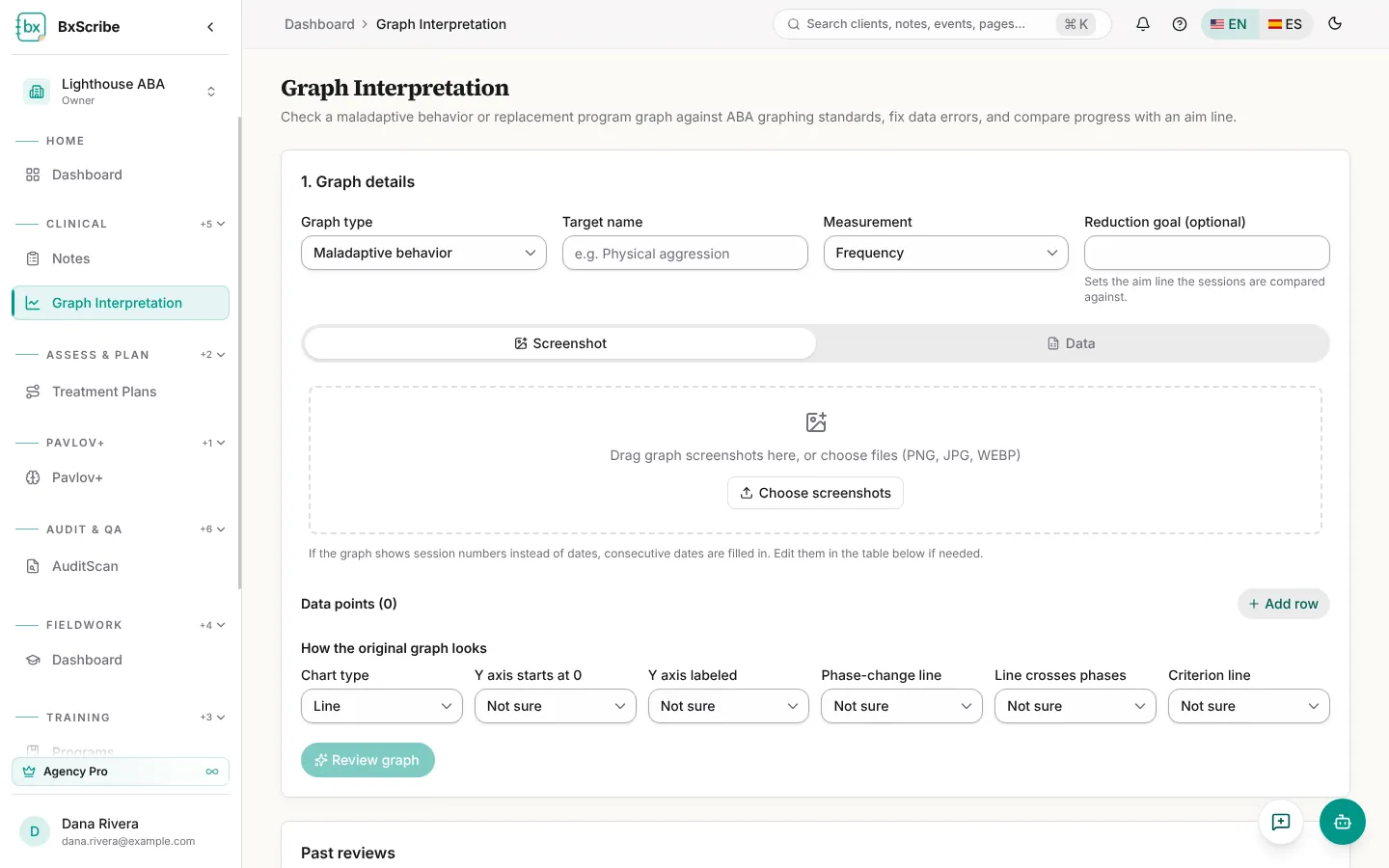
- Under Graph details, choose Maladaptive behavior or Replacement / skill acquisition, name the target, pick the measurement and, optionally, a reduction goal or mastery criterion for the aim line.
- Add data: upload screenshots of the graph (the AI reads the points) or switch to Data to paste date, value and phase rows or upload a CSV or Excel file.
- Check the data points table and mark each row Baseline or Intervention.
- Answer the questions about how the original graph looks, then select Review graph.
- Read the review, adjust the corrected graph if needed and select Save changes.
- Compare the graphs side by side or overlaid, and download Excel, Word or PDF.