Add an authorization
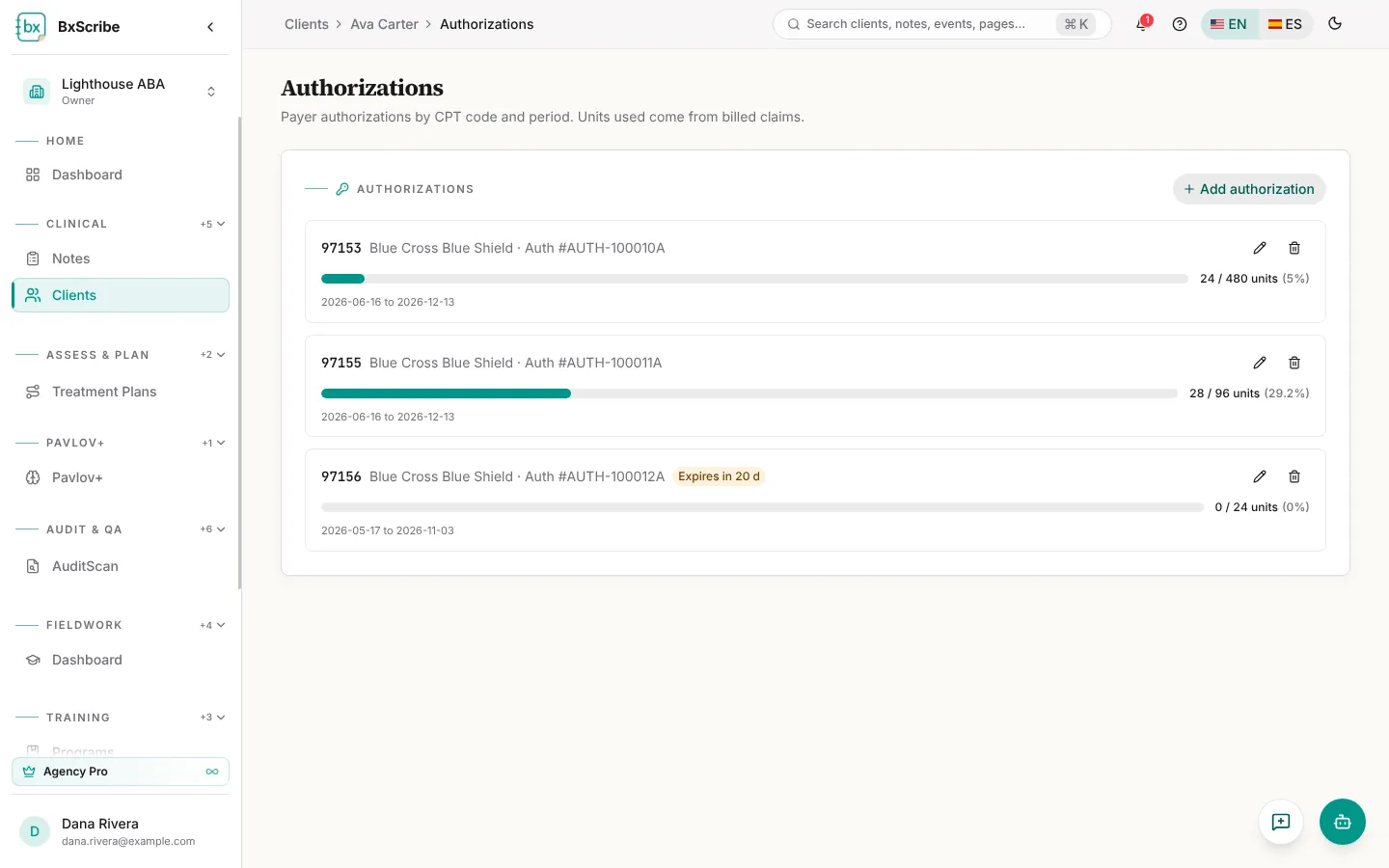
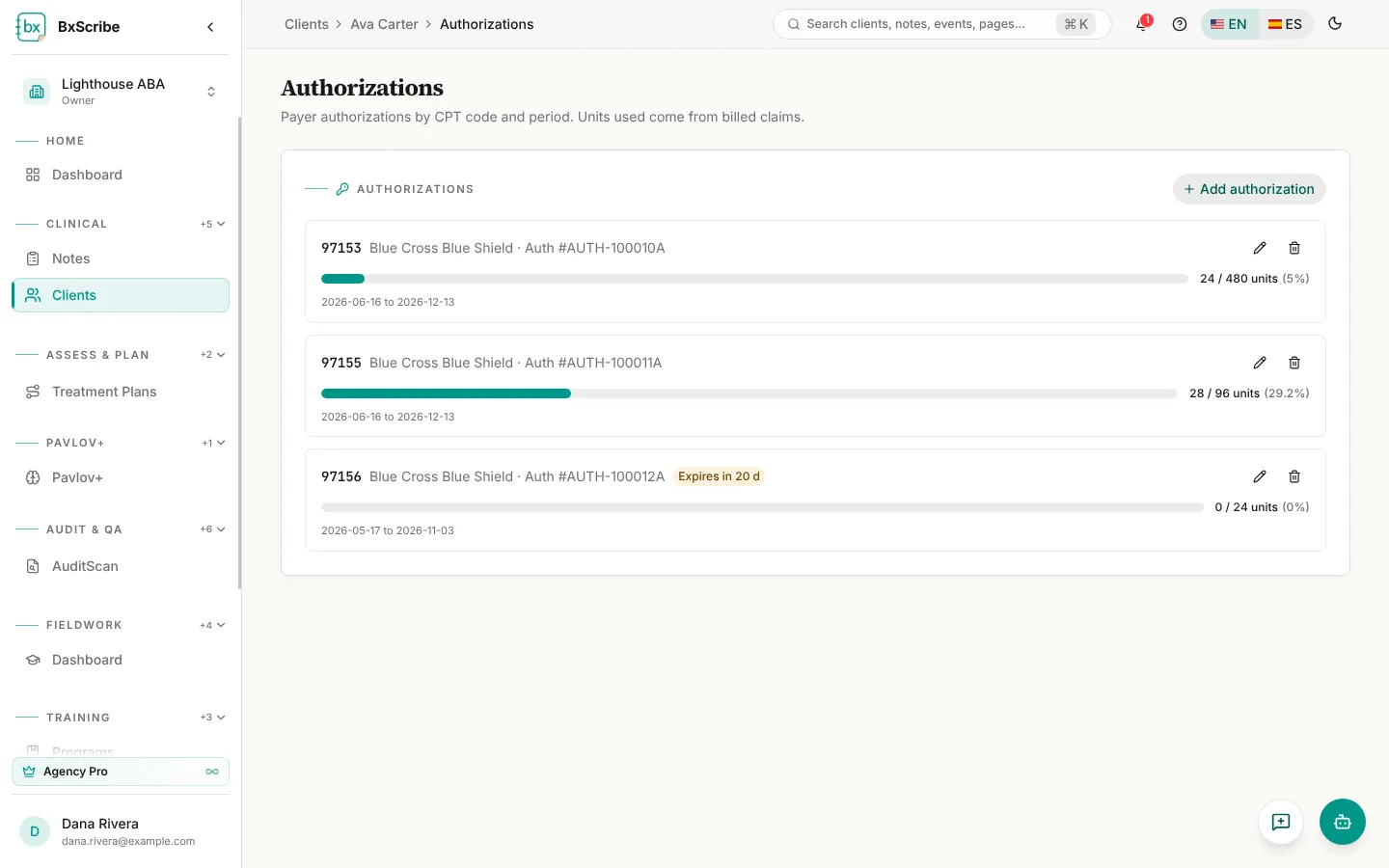
Authorizations are added on each client's record. Open the client, choose Authorizations, select Add authorization and enter the authorization number, payer, CPT code, units authorized and the start and end dates. Units used are counted from billed claim lines.
The agency roll-up
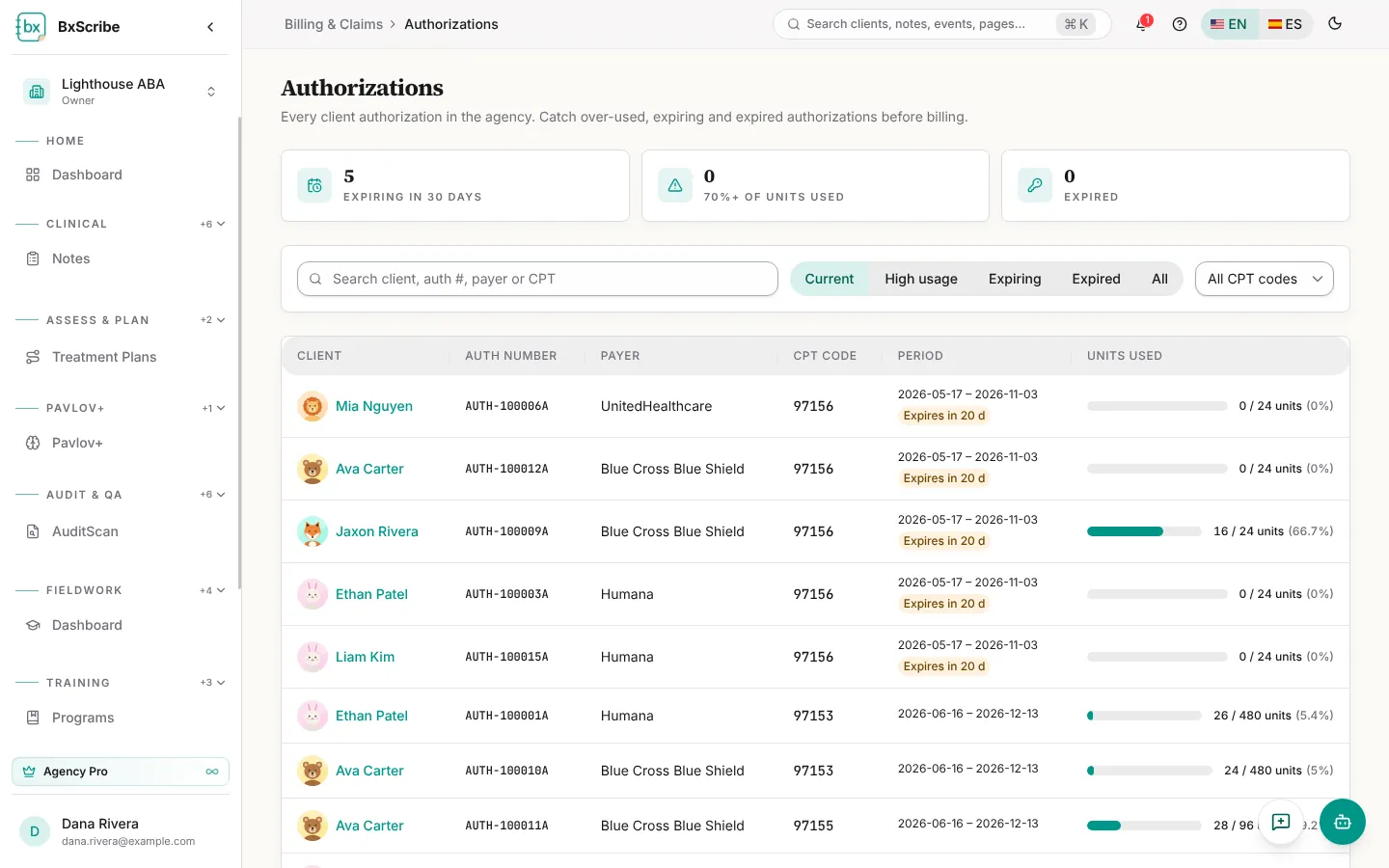
Authorizations in the Agency group lists every client's authorizations in one table, with tiles for authorizations expiring in 30 days, those with 70% or more of units used, and expired ones. Search by client, authorization number, payer or CPT, and filter by Current, High usage, Expiring, Expired or All. Select a client to edit their authorizations.