

Who can supervise
Supervision tools are for BCaBAs and BCBAs on Pro or Agency Pro. A BCBA can review anyone's notes; a BCaBA can review RBT 97153 notes. Nobody reviews their own note.
Supervision relationships are set up on the Team page: a supervisor adds a supervisee, or a supervisee requests a supervisor, and the other person accepts.
The Supervision dashboard
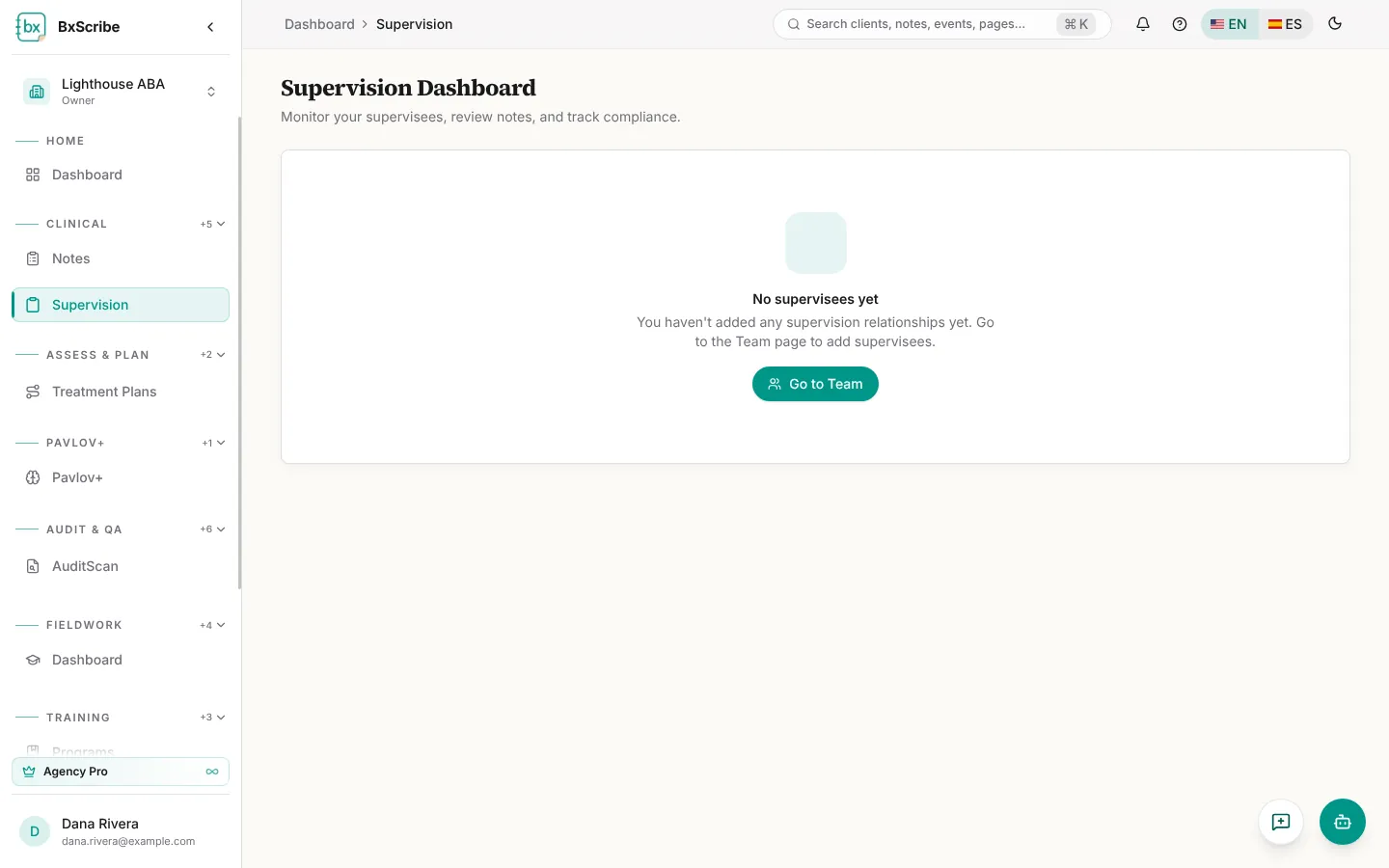
Open Supervision from the Clinical group. The top tiles show your supervisees, notes pending review and how many supervisees meet the 5% supervision requirement this month. Each supervisee card shows notes, drafts, finalized notes, supervised hours against hours required and the date of their last note.
Review and co-sign a note
The Review queue groups notes into Awaiting your review, Returned for correction and Drafts in progress.
- Select Review on a note to open it in the editor.
- Choose Approve & co-sign, or Sign off & finalize to add a drawn signature.
- To send it back, choose Return for correction and explain what needs to change. The author sees your reason, edits the note and selects Resubmit for supervision.