

Set up the portal
Agency owners and admins open Caregiver Portal in the Agency group (the page is titled Family Portal).
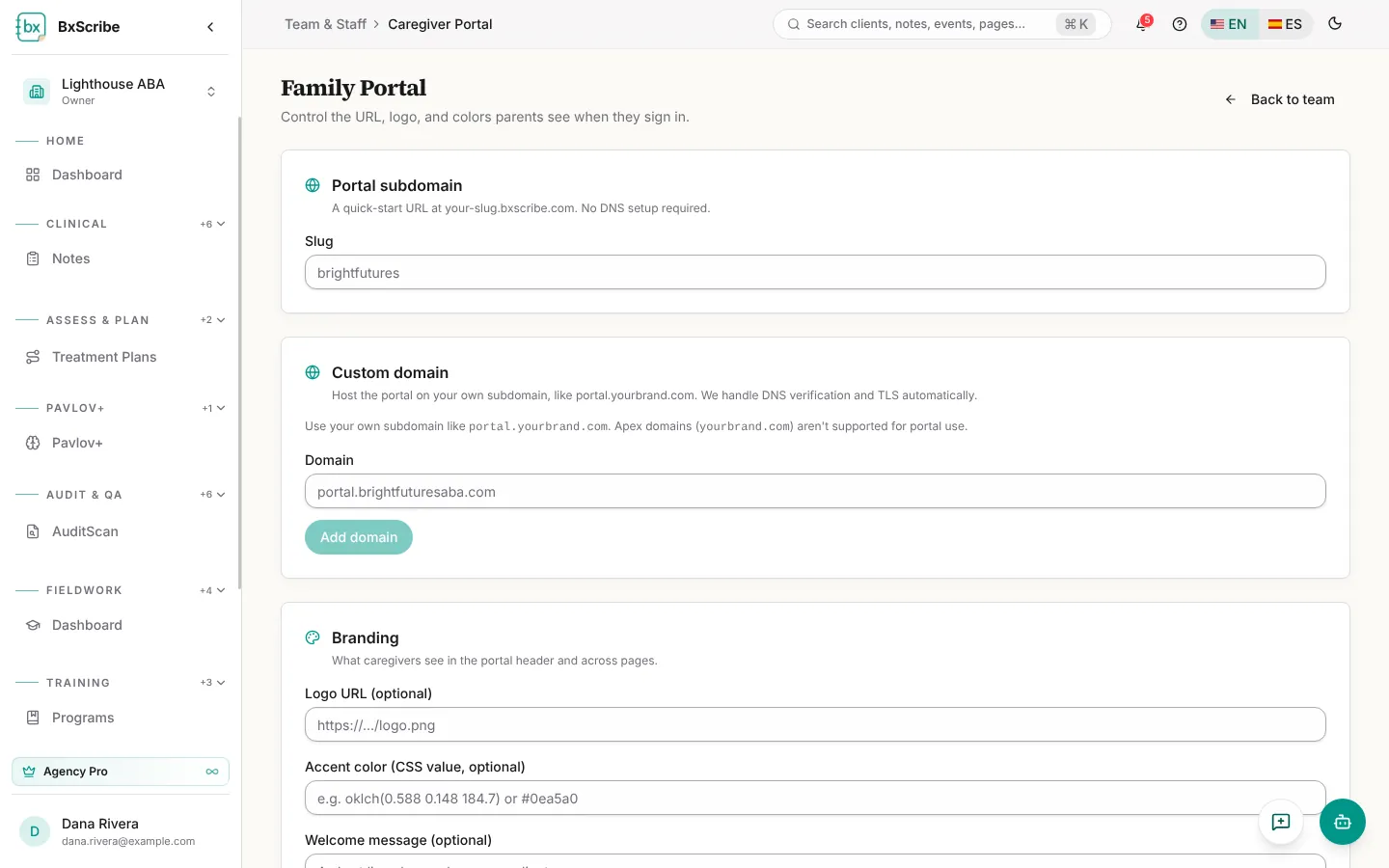
- Portal subdomain: enter a short slug, such as brightfutures, to use brightfutures.bxscribe.com.
- Custom domain (optional): add your own address, such as portal.yourbrand.com. Verification and the security certificate are handled for you.
- Branding: add a logo URL, an accent colour and a welcome message.
- Select Save changes, then Preview portal to see it as families will.