Create the agency
Agencies are created by their owner from a personal workspace.
- Buy an agency plan in Settings → Billing → Agency. Agency Starter starts at 3 seats and Agency Pro at 5.
- Open Team from your account menu. In Create your agency, enter the agency name and select Create agency.
- Switch to the new agency with the workspace switcher at the top of the sidebar.
Get ready for your team
The Get set up checklist on the dashboard walks you through the rest: complete your agency profile, invite your team, assign clients to staff and run your first AuditScan.
- Agency profile: legal name, address, NPI and logo for exports and claims.
- Team & Staff: invite members and choose their roles.
- Clinical note settings: co-signature rules, the CPT codes BCaBAs may bill, disclaimers and note uniqueness.
- Sign-in security: require two-factor sign-in for everyone.
- Family Portal: your portal address and branding.
Business Associate Agreement
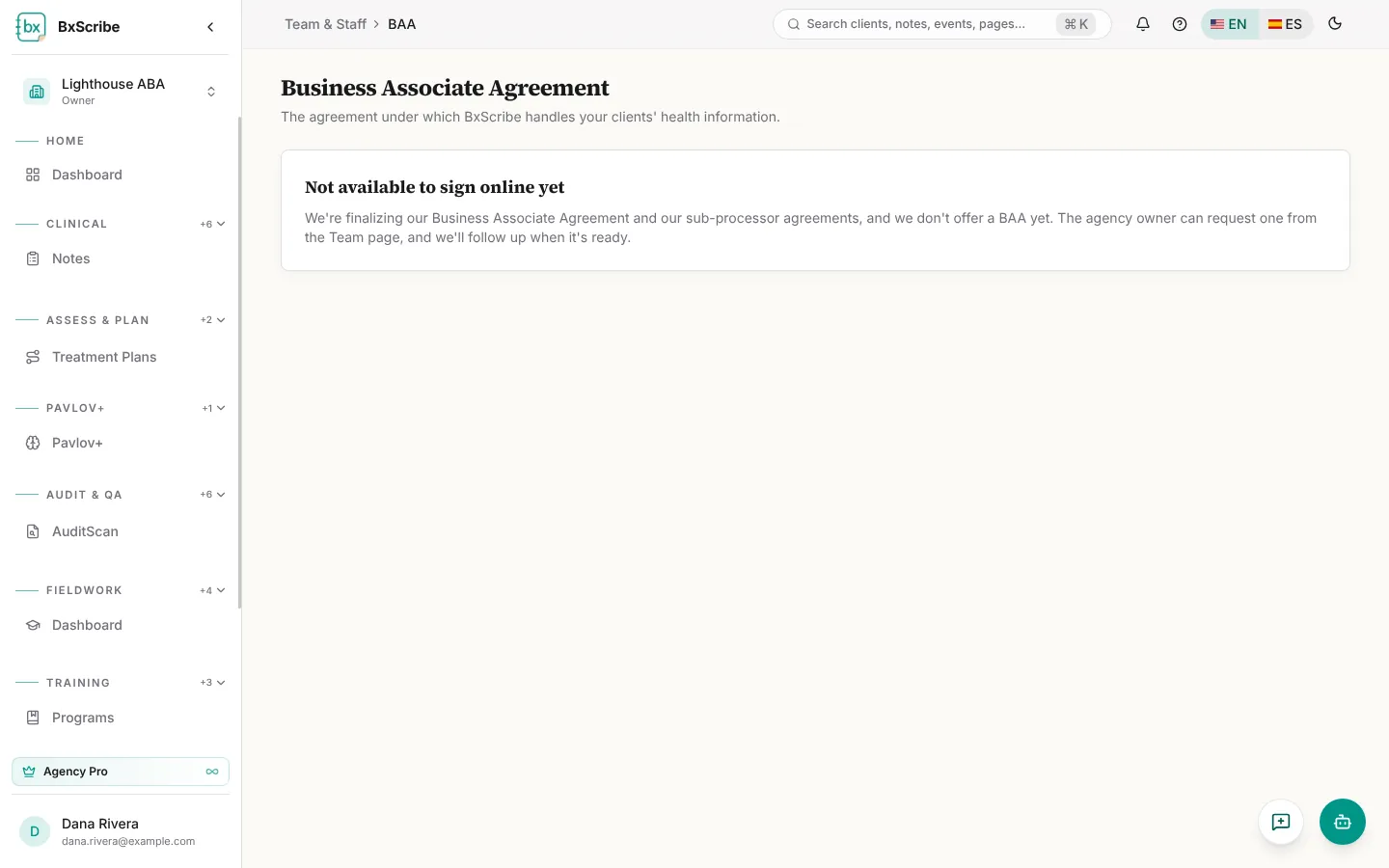
The Business Associate Agreement card on the Team page shows the status of your BAA. When click-through signing isn't available yet, the owner can select Request a BAA and we'll follow up.