Choosing what to study
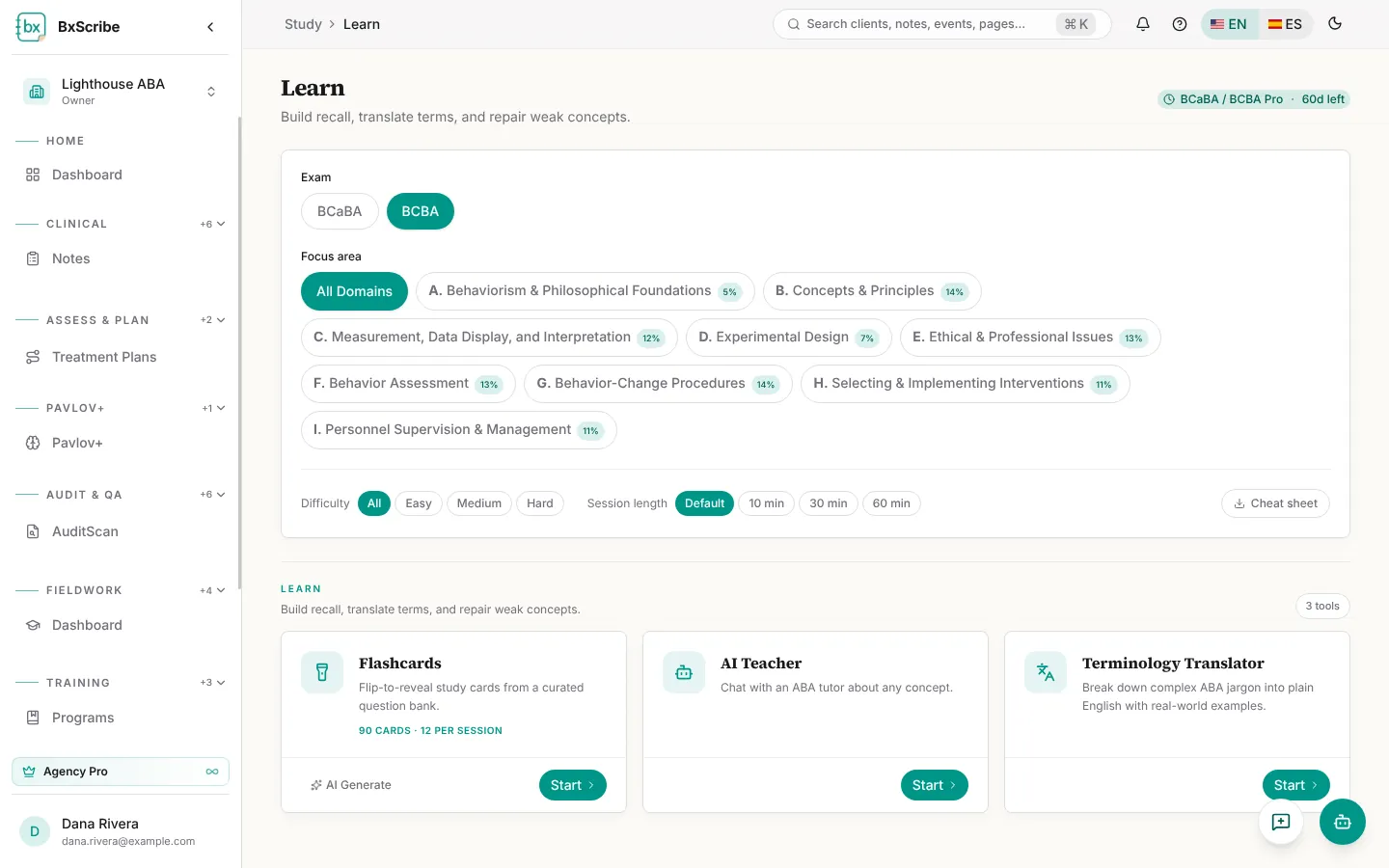
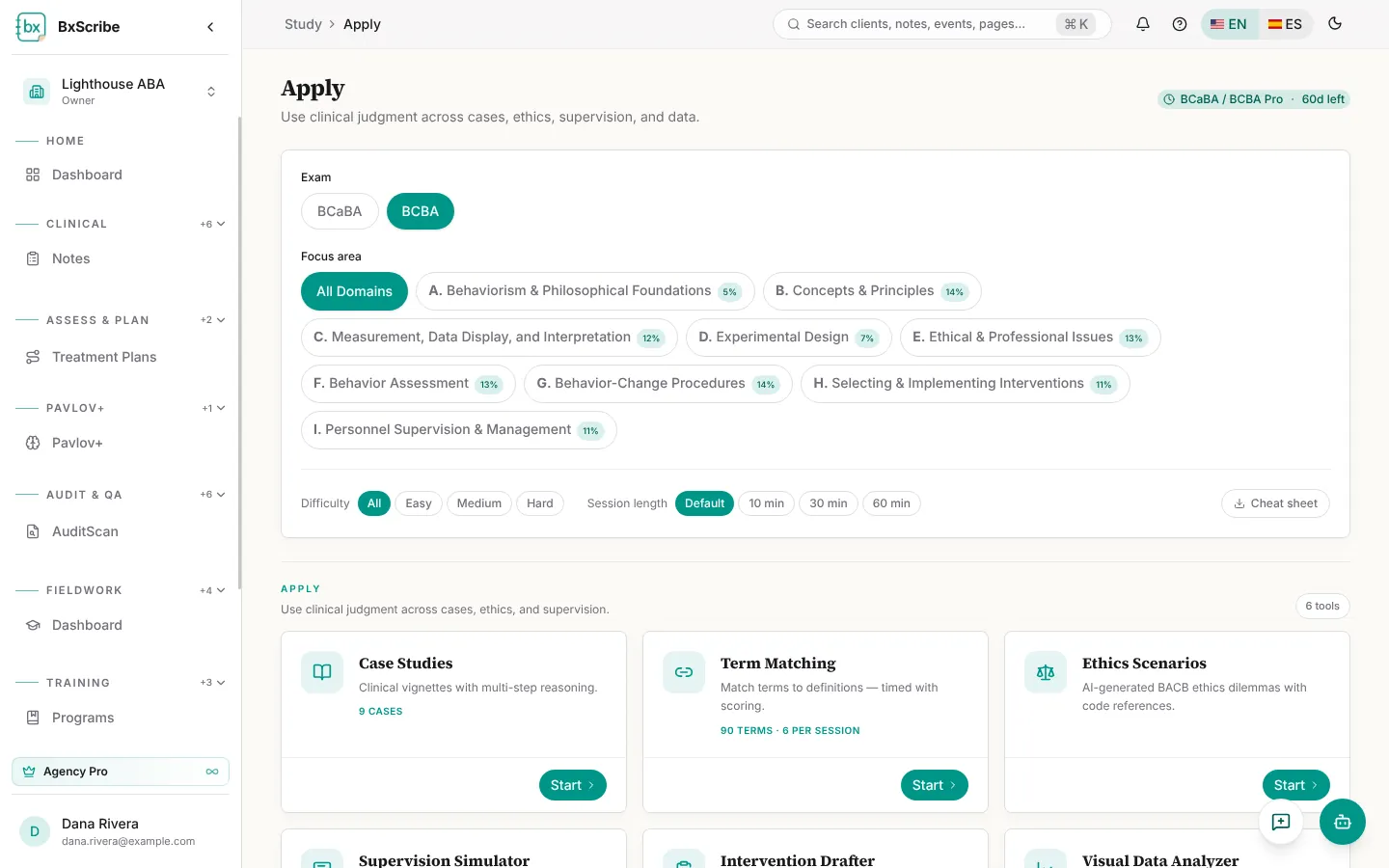
Learn, Test, Apply and Plan share the same controls: the exam, a focus area (all domains or one domain, with its exam weight) and, on Pro, difficulty, session length and a printable cheat sheet. Each tool has Start; paid plans can also AI Generate fresh flashcards and mock exams.
Learn
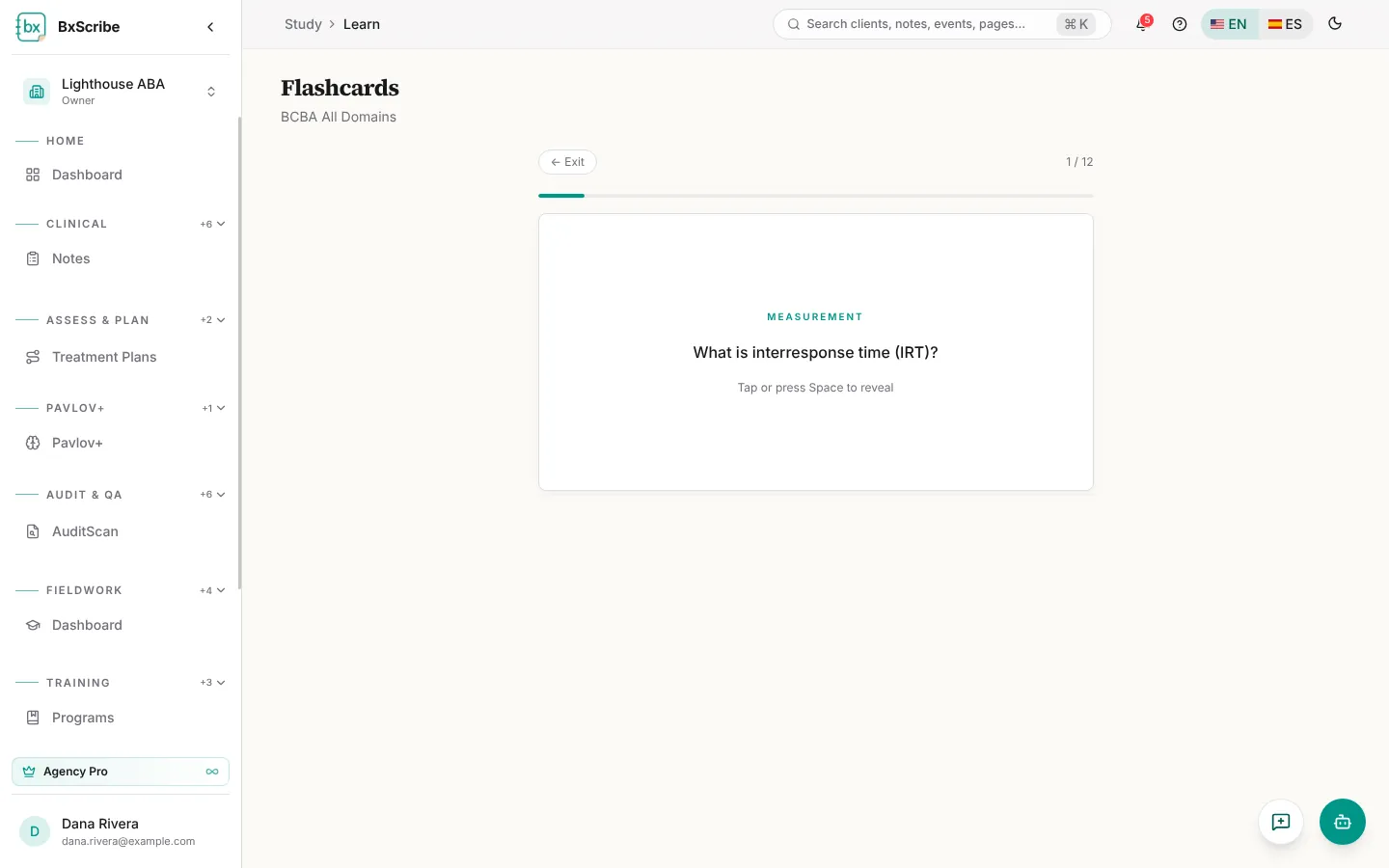
Flashcards come 12 to a session: reveal the answer, then choose I knew it or Study again (or use the arrow keys). Pro adds the AI Teacher chat and the Terminology Translator, which explains ABA terms in plain English.
Test
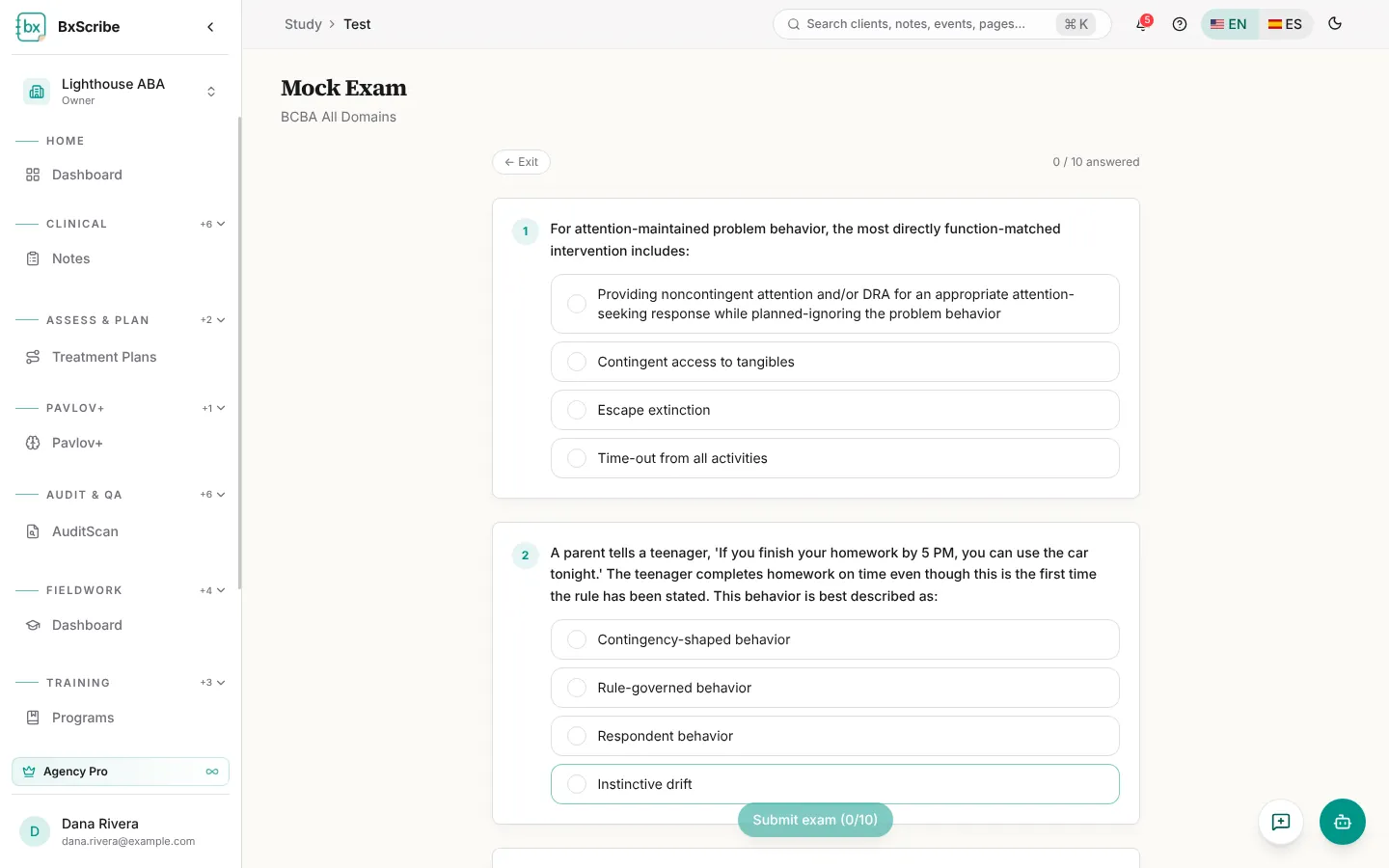
Mock Exam gives you 10 questions with scored rationales; Pro adds Why was I wrong?. Pro also includes timed exams and full-length mocks with a question navigator and Flag for review. BCaBA/BCBA plans include a 30-question diagnostic, a full diagnostic mock and the adaptive quiz.
Apply and Plan
Apply builds judgment with case studies and term matching (free), plus ethics scenarios, a supervision simulator, an intervention drafter and a visual data analyzer on BCaBA/BCBA Pro. Plan holds the study calendar and Upload Results, which analyzes results from another mock exam and recommends what to study next.
Progress and History
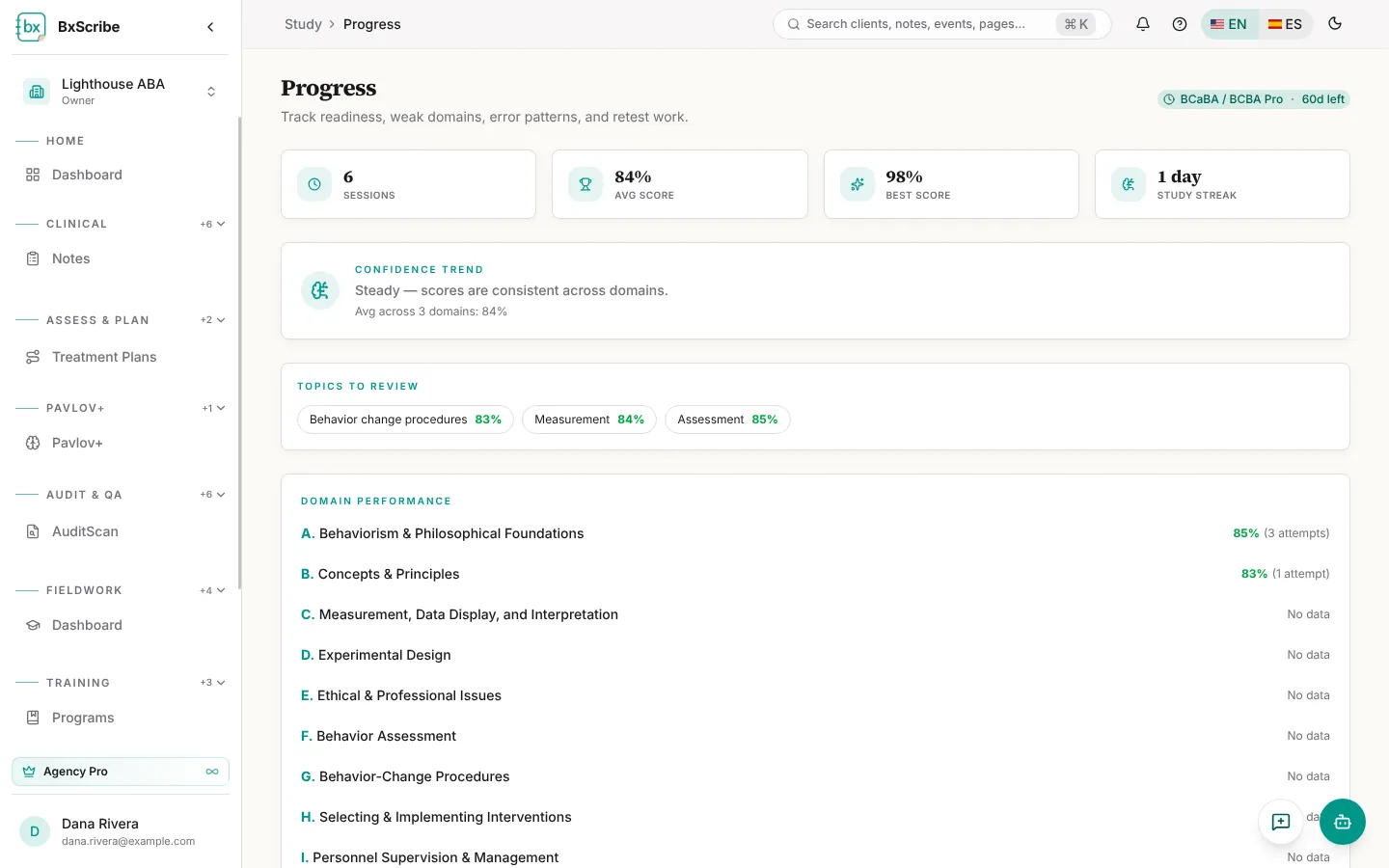
Progress shows sessions, average and best score and your study streak. Pro adds the readiness score, confidence trend, topics to review, domain performance and an error notebook with Retest for missed questions. History lists every session with its date and score.