

Help while you work
Press ? or select the ? button in the top bar for tips about the page you're on and links to related articles. The Help Center (Help center in your account menu) has every guide in one place.
Open a support ticket
Tickets you open while signed in include your account details so we can help faster. Individual, Pro and Agency Pro plans get priority support (within 1 business day); Free and Agency Starter get email support (within 2 business days).
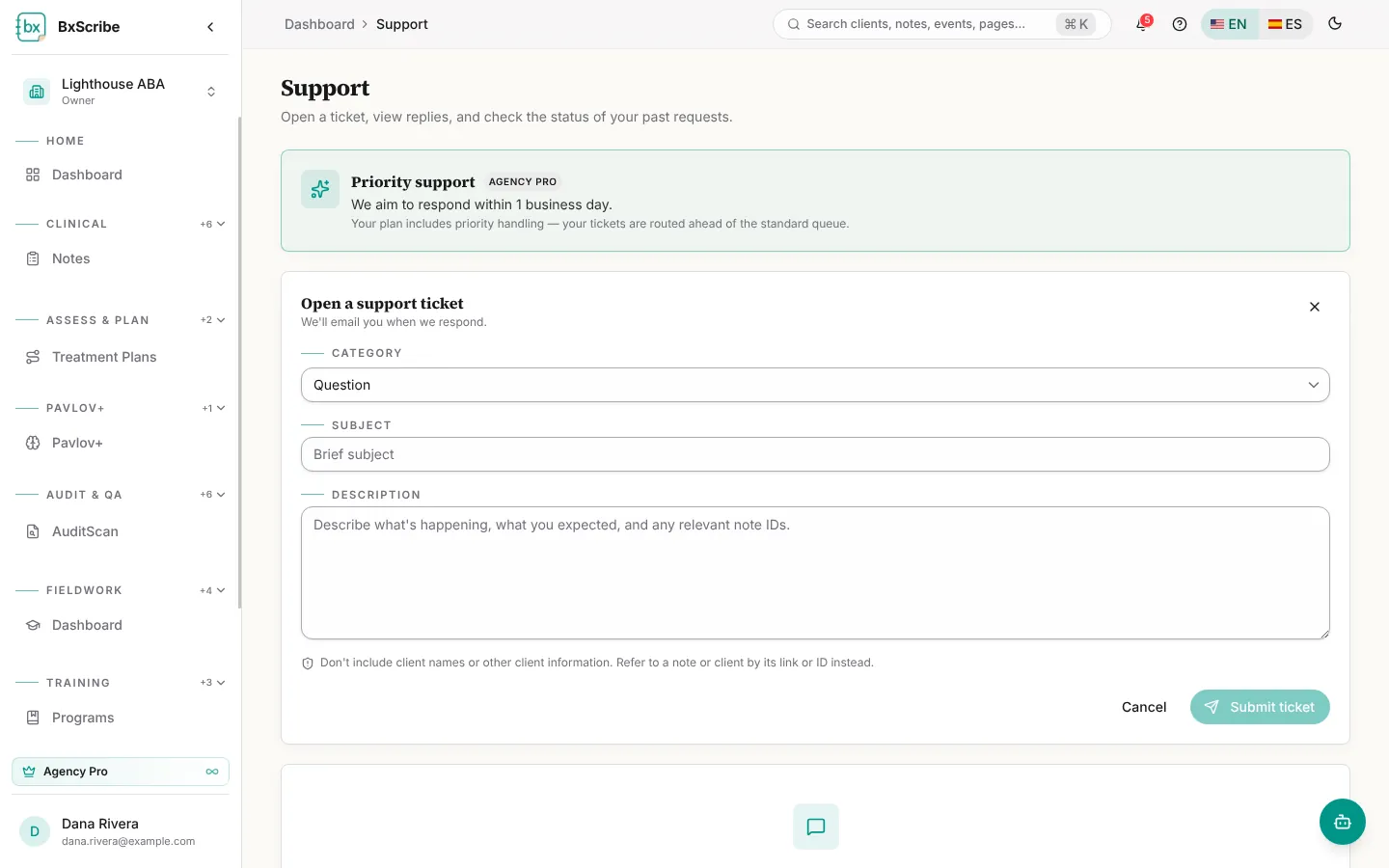
- Open Support from your account menu and select New ticket.
- Choose a category, add a subject and describe what happened. Don't include client names or other client details.
- Select Submit ticket. Replies appear on the ticket and you're notified.
Send feedback
The feedback button in the bottom-right corner lets you report a bug, share a suggestion or ask for help without leaving the page.