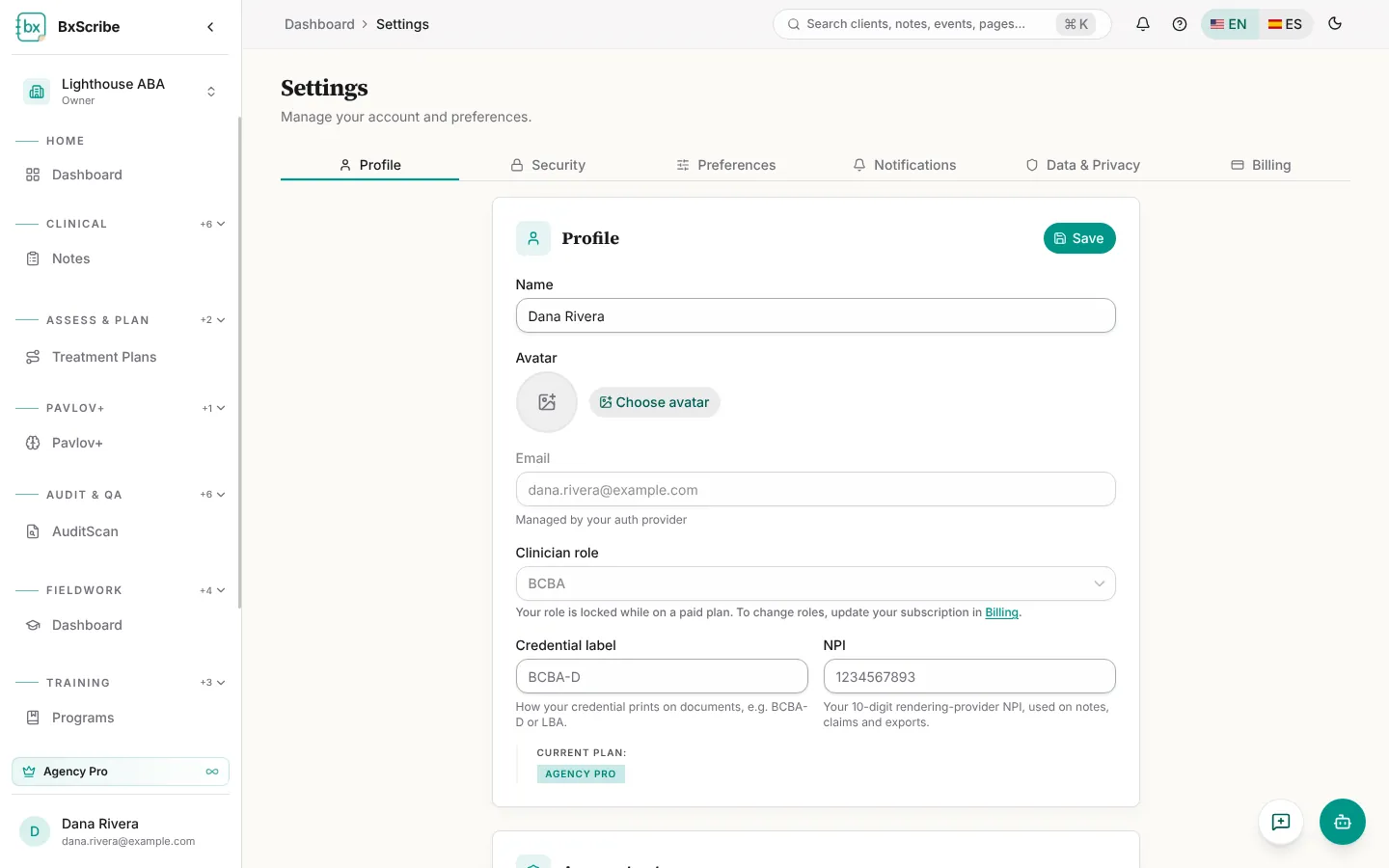
Profile
Open Settings from your account menu. Profile holds your name, avatar, credential label and NPI. Your email is managed by your sign-in method. Your clinician role is locked while you're on a paid plan.
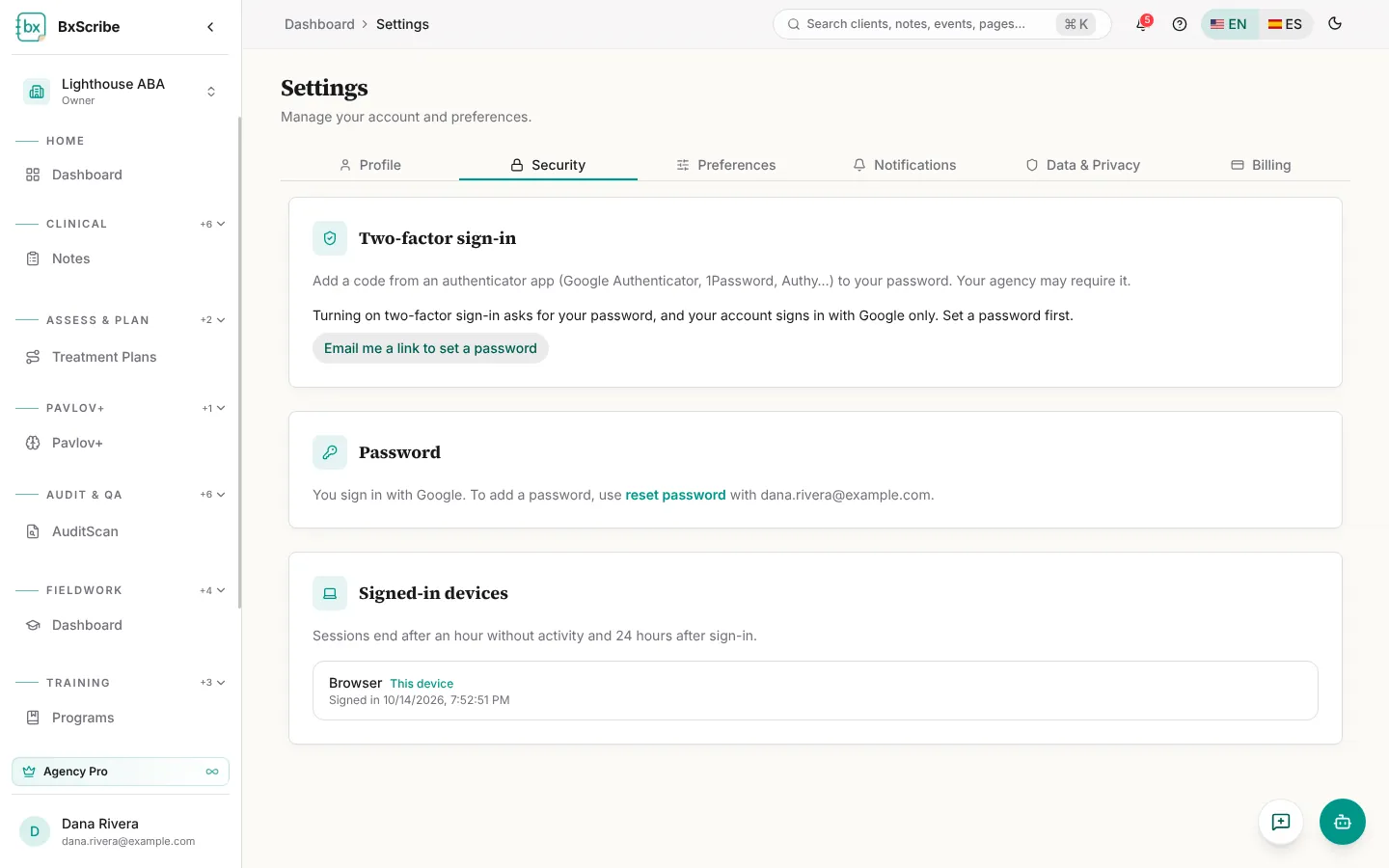
Security
Turn on two-factor sign-in with an authenticator app, change your password and see every signed-in device. Agency owners can require two-factor sign-in for the whole agency.
- Select Turn on two-factor sign-in and confirm your password.
- Scan the QR code with your authenticator app (or enter the key).
- Enter the 6-digit code and select Verify and turn on.
- Save your backup codes somewhere safe and select I saved them.
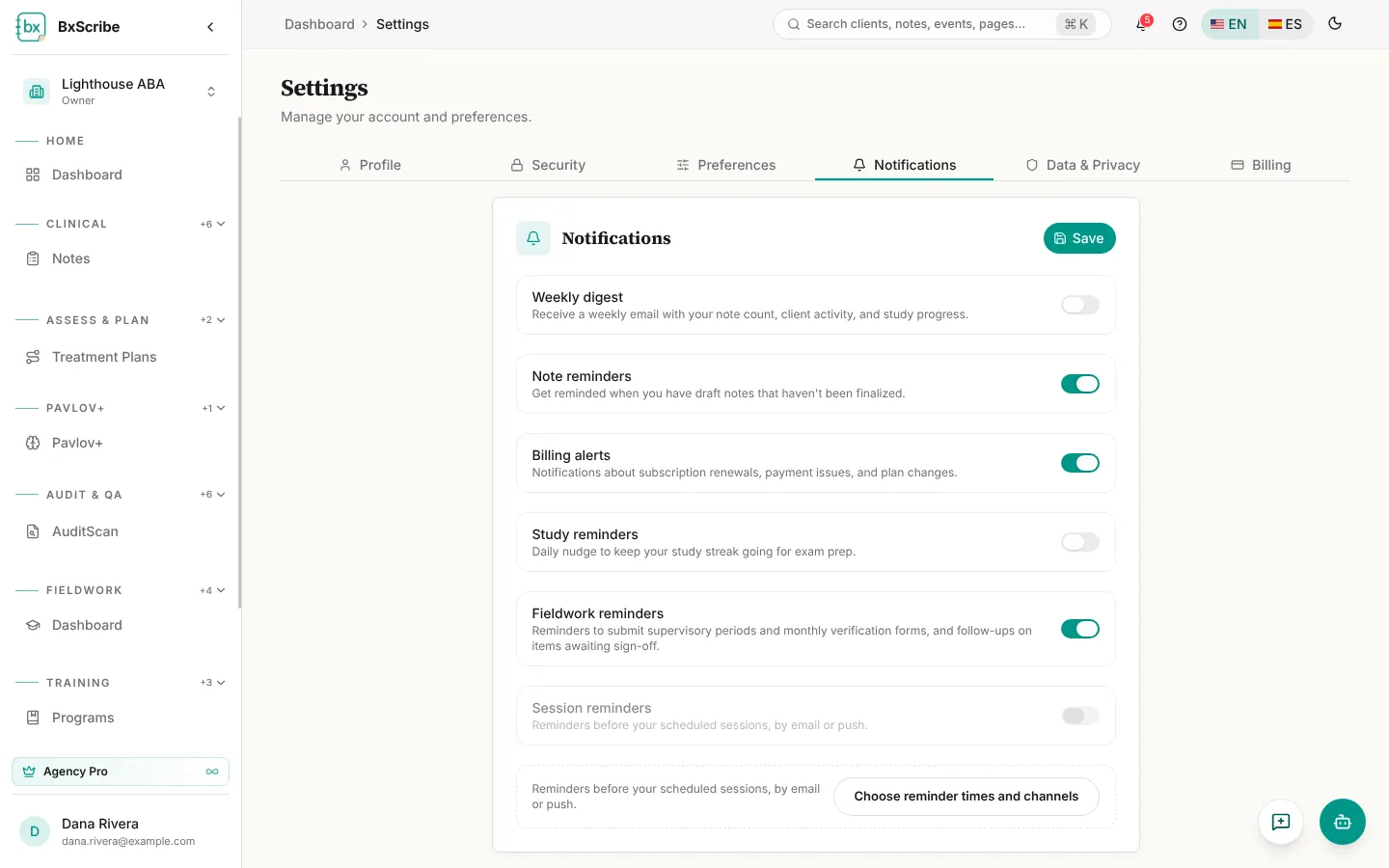
Preferences and notifications
Preferences sets your default session length and work setting, study defaults, colour theme and accent colour, and language. Notifications turns the weekly digest and note, billing, study and fieldwork reminders on or off, and sets up session reminders by email or browser push.
Data and privacy
Data & Privacy lets you download a data export, choose how long personal-workspace notes are kept (at least 7 years), turn activity logging on or off, and delete notes or your account. Account deletion has a 30-day grace period you can cancel with Keep my account.
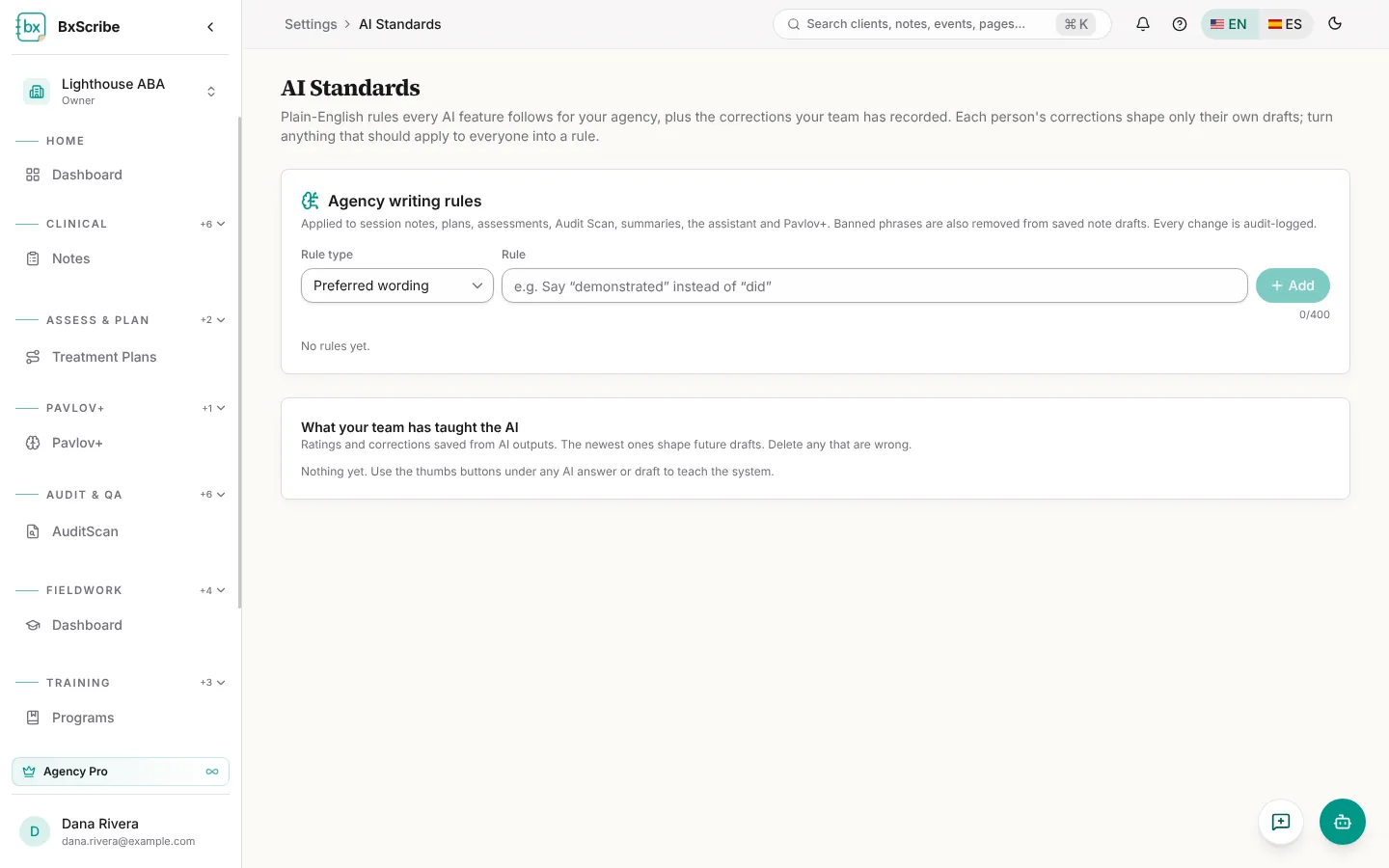
AI Standards
AI Standards are plain-English rules every AI feature follows: preferred wording, required content and words to never write. Agencies share one set that managers edit; personal Pro users keep their own. The page also lists what your thumbs-up and thumbs-down feedback has taught the AI.