

Add a caregiver
Caregivers are managed in the Care Team & Guardians panel on the client record's overview.
- Open the client and scroll to Care Team & Guardians.
- Select Add member and enter the name, relationship, and optionally email and phone. Tick Primary guardian if it applies.
- To give portal access, select Invite to portal (an email address is required). The invitation link works for 7 days.
What families see
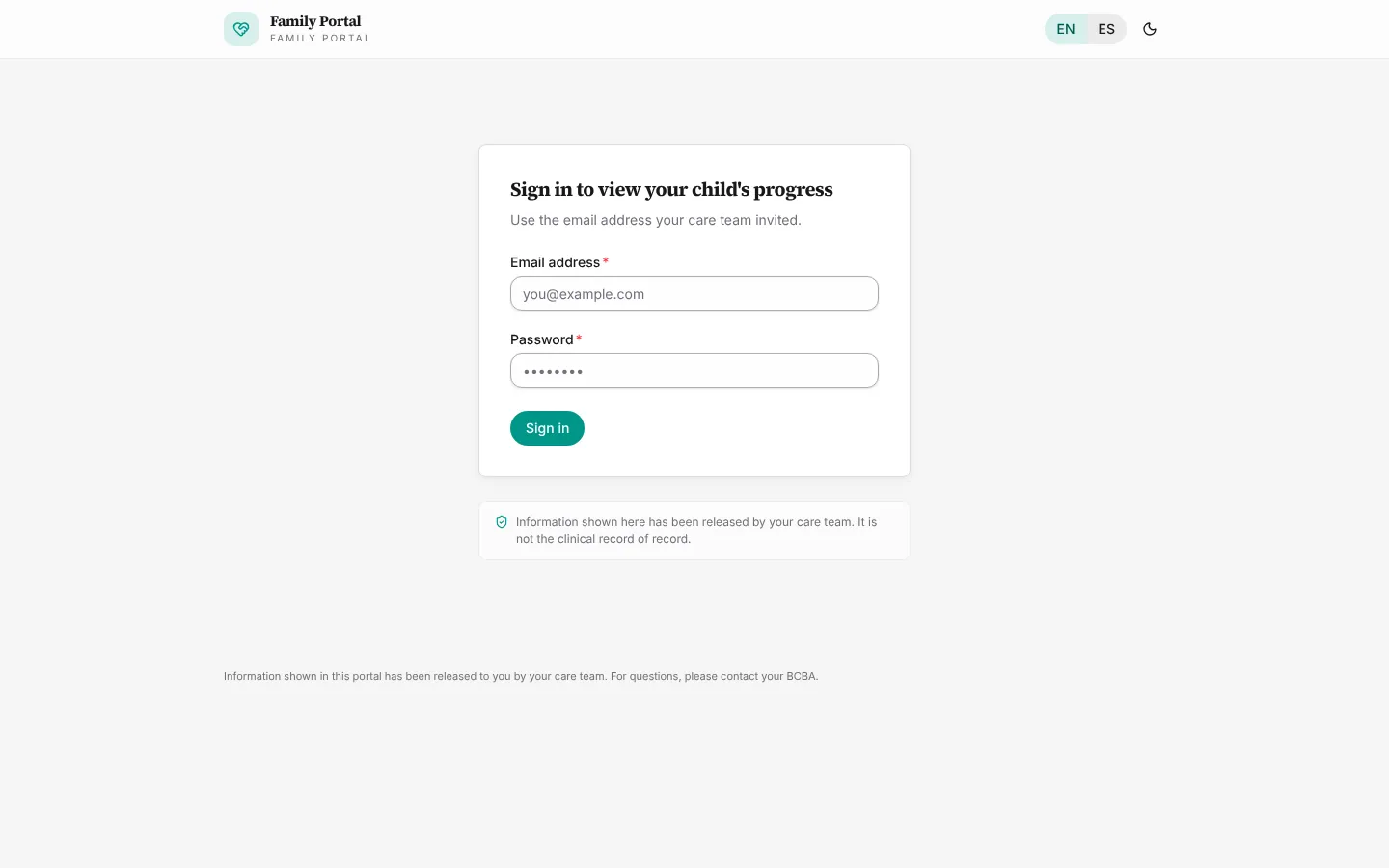
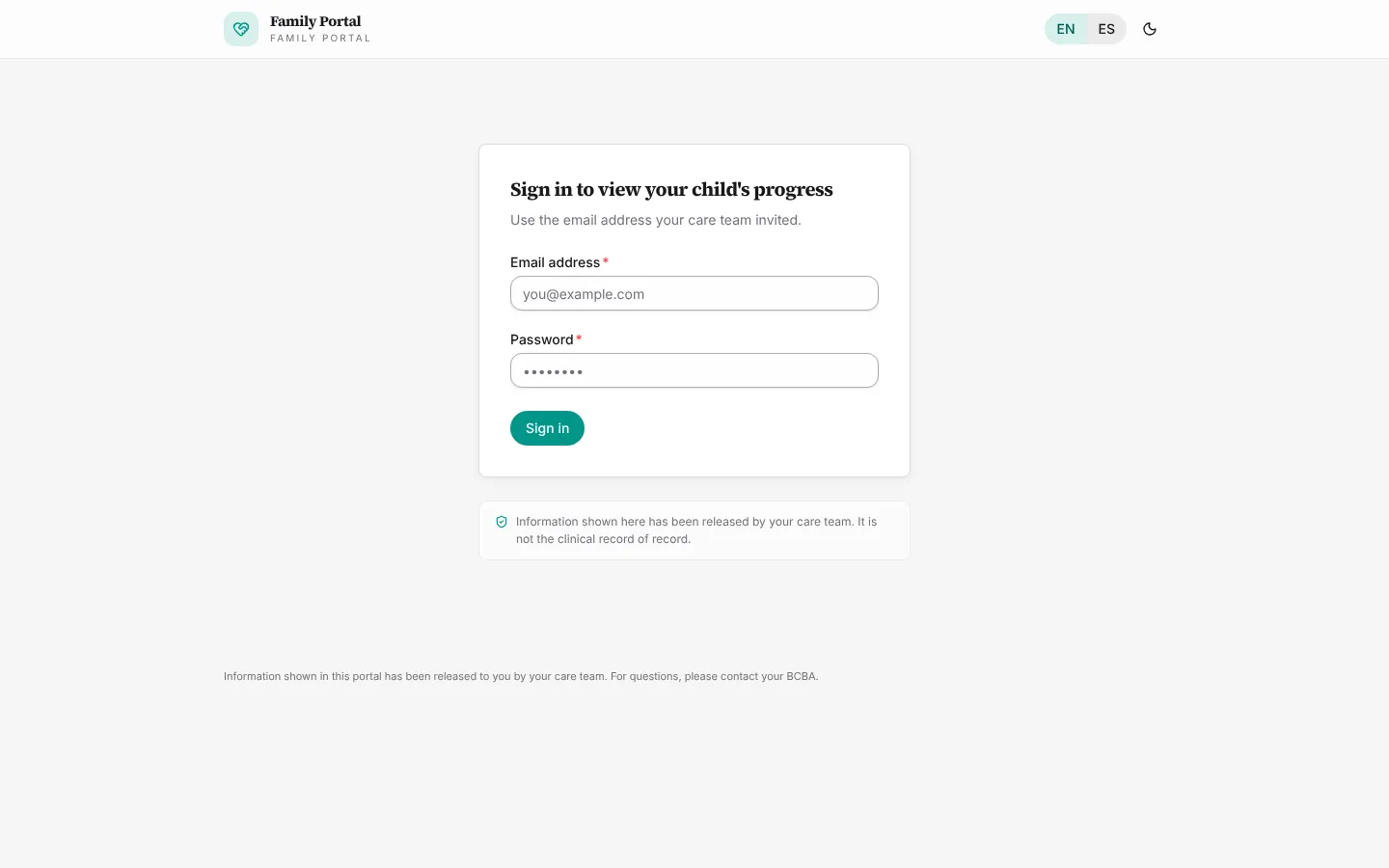
Families sign in at the portal with the email and password they create when accepting the invitation. They see the client's current goals, released progress reports, upcoming sessions, and only the session notes and documents you release with Share with caregiver.
Cancel or revoke access
Pending invitations show Cancel invite; active caregivers show Revoke access. Revoking takes effect immediately.