

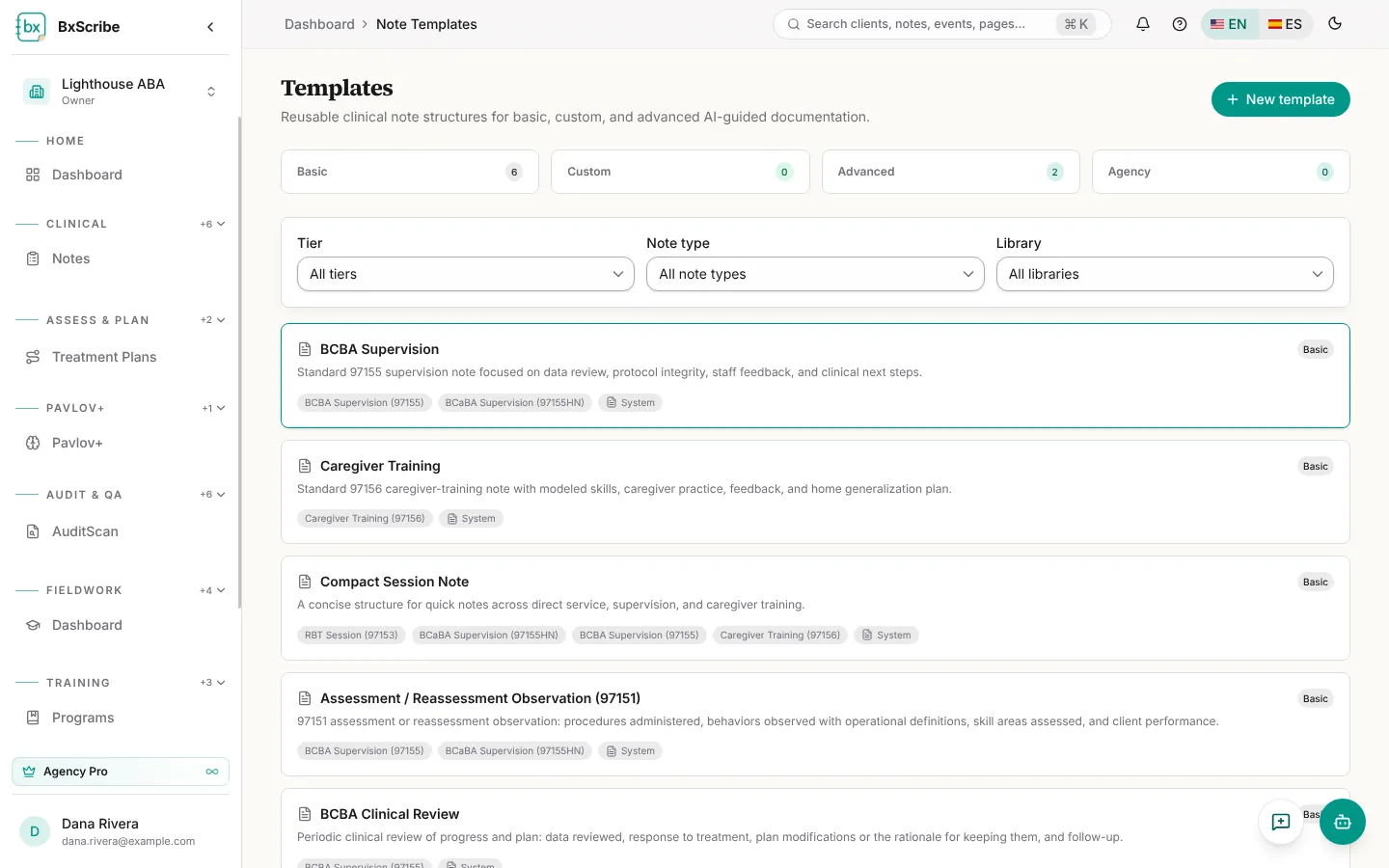
What templates do
A template sets the sections and structure the AI follows when it drafts a note. Open Templates from the template button on the Notes page (Manage templates) or search “Note templates” with Ctrl+K.
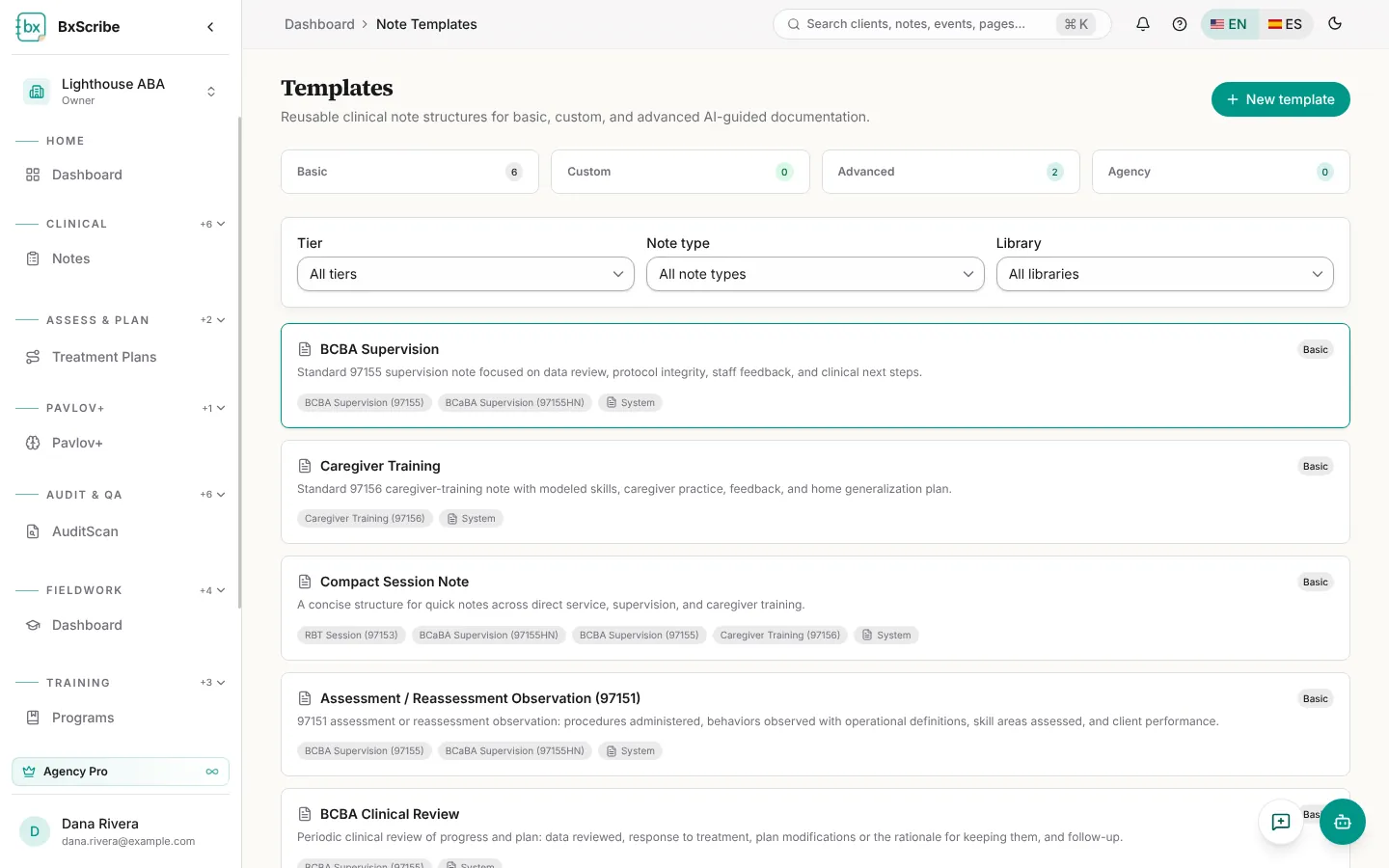
- Basic templates are built in, for example RBT Direct Session, BCBA Supervision, Caregiver Training and Assessment / Reassessment Observation (97151).
- Custom templates (paid plans) let you switch sections on or off and add your own.
- Advanced templates (Pro) add AI instructions for tone and emphasis.
- Agency templates are shared with everyone in the agency; team managers create them.
Create a template
- Select New template.
- Enter a name, choose the note type and the library (Personal or your agency), and add a description.
- Choose the tier (Custom or Advanced). For Advanced, write the AI instructions.
- Switch sections on or off (required sections stay on), add any extra sections, then Save template.