

Tracks and plans
Study tools prepare you for the RBT, BCaBA or BCBA exam. Your track follows the clinician role on your profile: RBTs study for the RBT exam, and BCaBAs and BCBAs can switch between the BCaBA and BCBA exams.
Study plans are one-time purchases for a set number of days, not subscriptions. Activate the free tier from Settings → Billing → Study Tools → Start free.
- Free: 3 short mock exams a month, flashcards, term matching and case studies.
- RBT Pro ($39, 45 days): full-length mocks, AI tutor, “why was I wrong” explanations, readiness score, weak domains, timed mode, error notebook and cheat sheets.
- BCaBA/BCBA Pro ($99, 90 days): everything in RBT Pro plus full BCaBA and BCBA mocks, adaptive quiz, ethics scenarios, supervision simulator, intervention drafter, visual data analyzer, study calendar and results upload.
- Team plans for agencies: RBT Team ($34 per seat, 60 days) and BCaBA/BCBA Team ($89 per seat, 90 days), minimum 3 seats.
The study dashboard
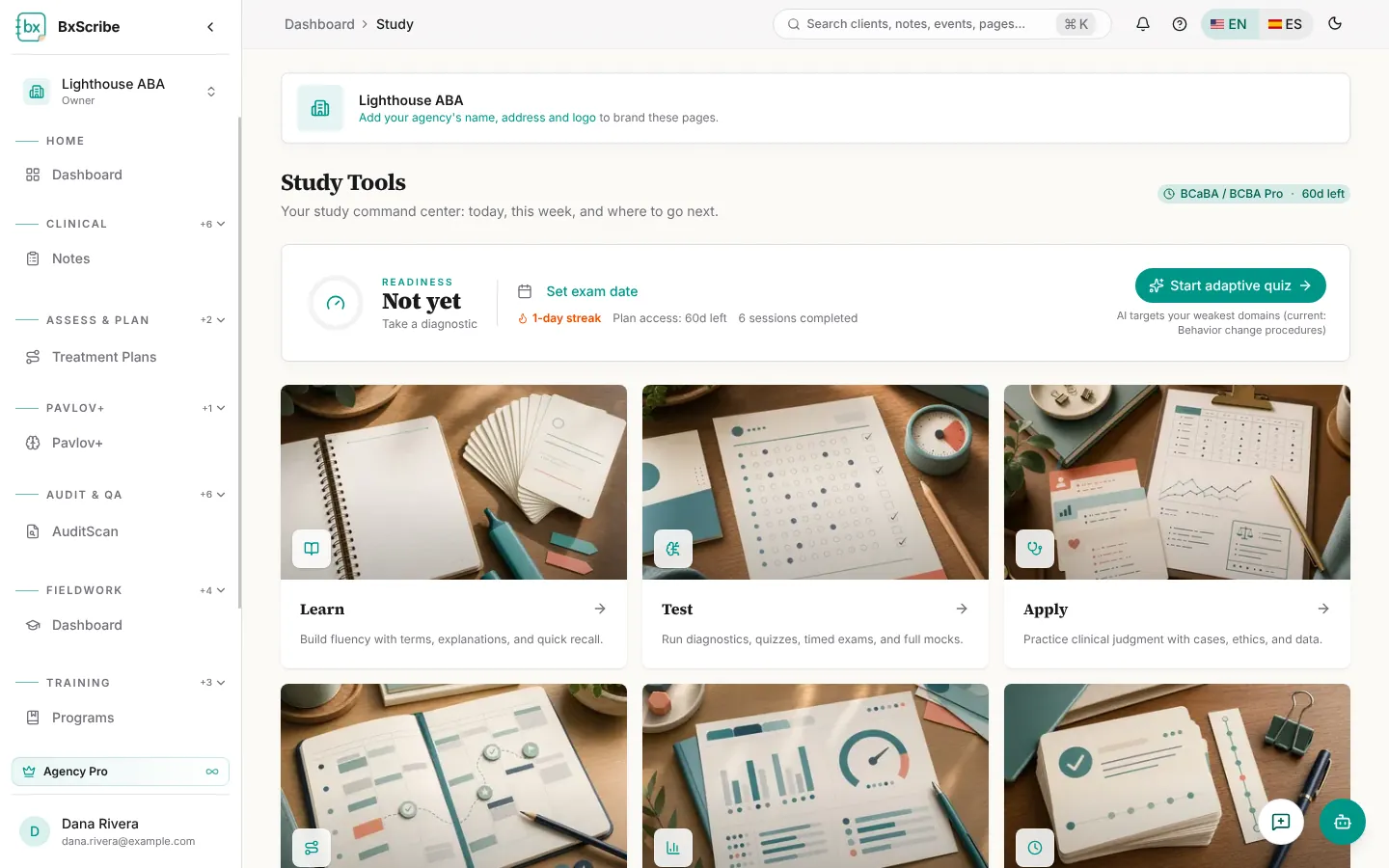
Open Study in the sidebar. The top card shows your readiness score (Pro), a countdown to your exam date, your streak, days left on your plan and the next thing to do.
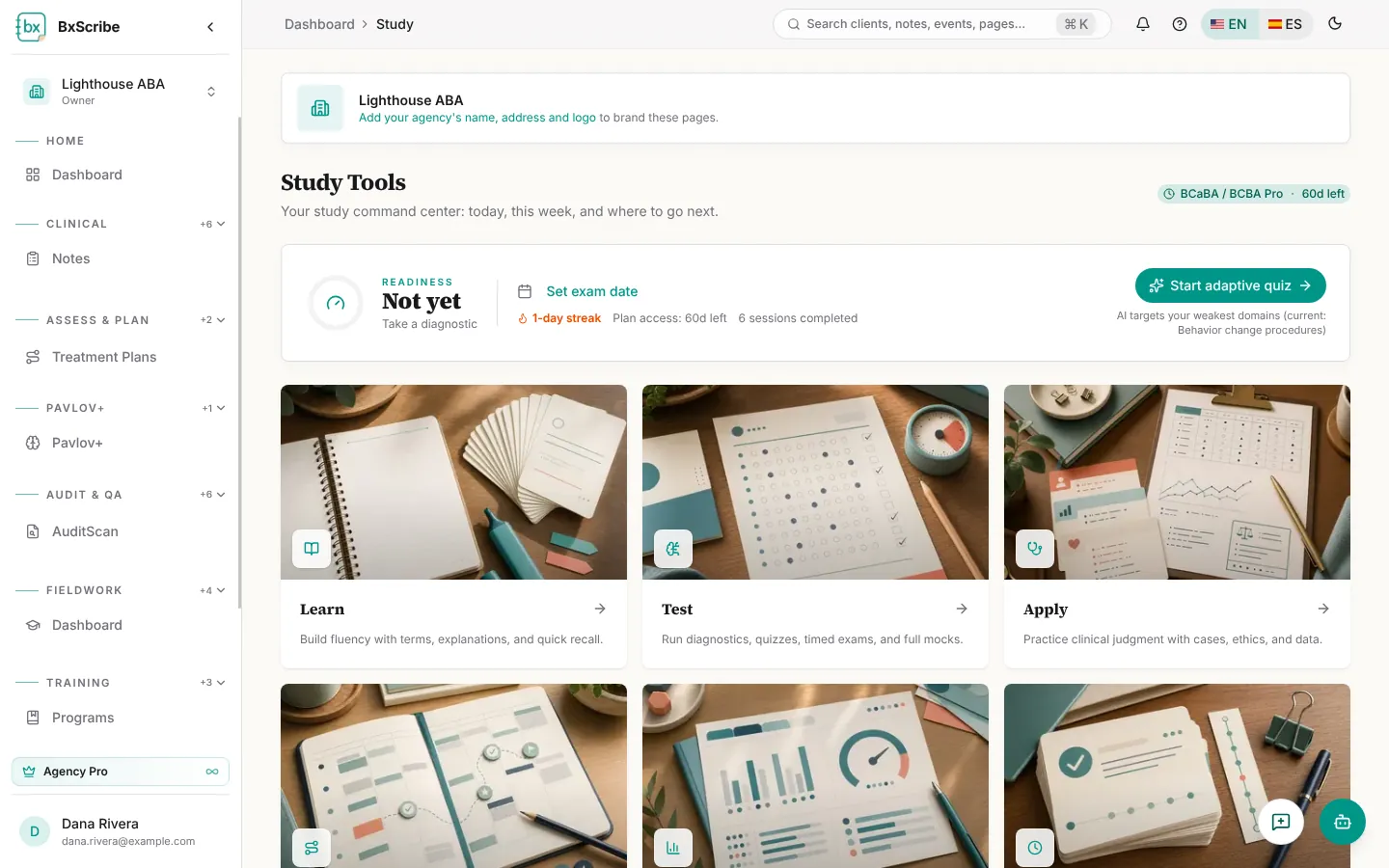
- Select Set exam date and choose your date.
- Follow Your plan: a week-by-week list of activities toward your exam date, each with Start or Redo.
- Use the six cards to open Learn, Test, Apply, Plan, Progress and History.