#The three HIPAA pillars that matter for ABA
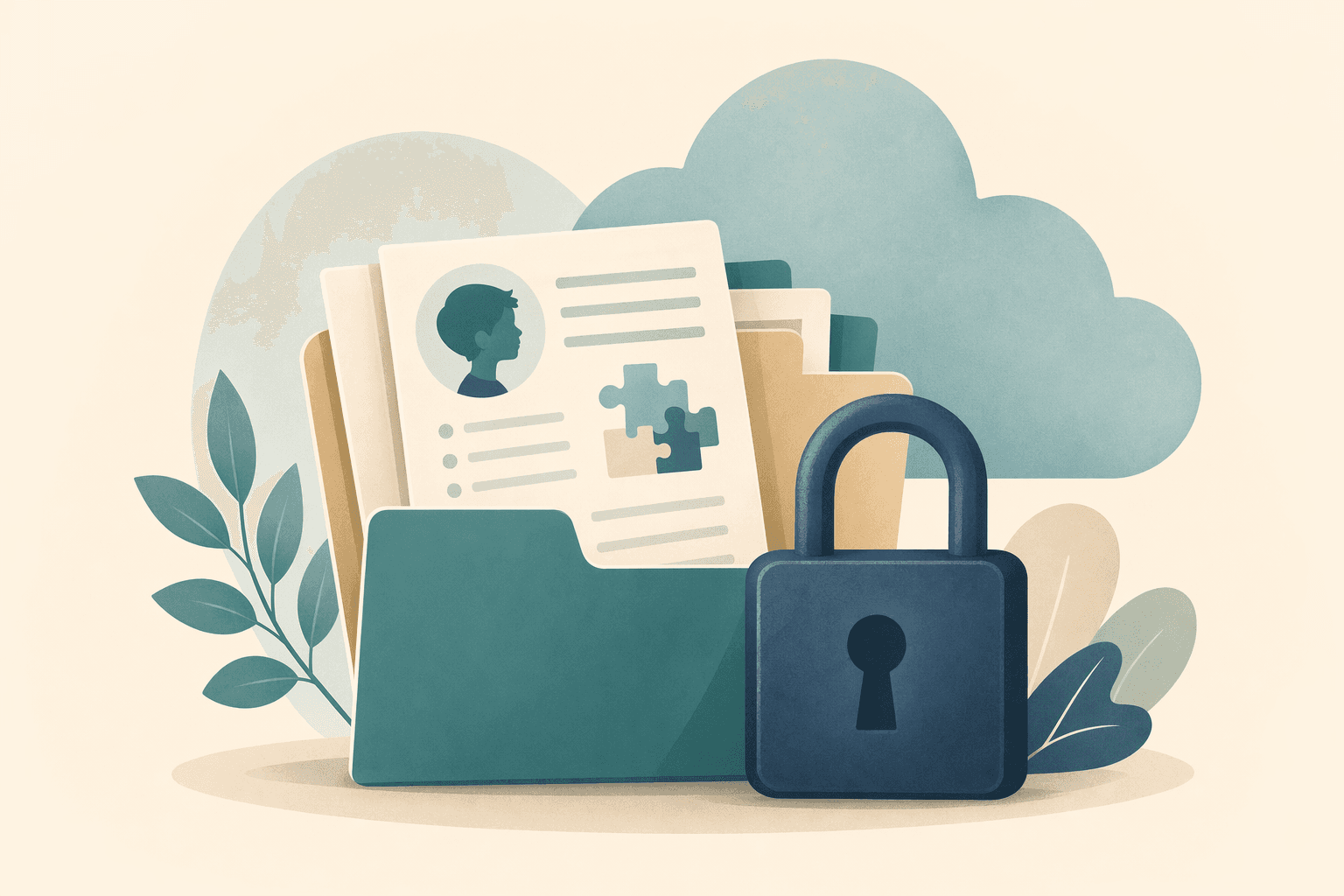
HIPAA has three operational pillars: the Privacy Rule (what you can use or disclose), the Security Rule (how you protect electronic PHI), and the Breach Notification Rule (what you do when something goes wrong).
For ABA, the first two do nearly all the work. If your documentation workflow is tight on privacy and security, breach response becomes mostly paperwork.
#PHI minimization in session notes
The easiest win is also the most effective — don't put PHI in your notes that you don't need. Use initials or client codes for the client name. Avoid full date of birth in the note body; the service date alone is sufficient. Keep identifying demographic detail in the client record, not in each note.
This isn't just HIPAA hygiene. It also makes your notes easier to share with a supervisor or auditor without redaction.
HIPAA isn't a mystery box. Here is what you actually have to do when your ABA documentation lives in the cloud.
#Business Associate Agreements, plainly
Any cloud vendor that touches your PHI needs a Business Associate Agreement (BAA). For ABA teams, that almost always means your EHR, your note generator, your email provider, your cloud backup, and any AI provider your tools call on your behalf.
Before you sign a vendor, ask three questions: Do you sign a BAA? What subprocessors do you use, and do they sign one too? How do you handle incident notification timelines?
#Evaluating an AI-assisted documentation vendor
AI-drafted notes don't change the HIPAA calculus — PHI is PHI. The risk sits in how the vendor configures their model provider. Look for: signed BAA coverage end-to-end, no training on your data, encryption at rest and in transit, role-based access controls, and audit logs for every note view and export.
Frequently asked
3 questionsDo I need a Business Associate Agreement with my ABA note tool?
Can I put a client's full name in an ABA session note?
Does using AI to draft notes add HIPAA risk?
Filed by the BxScribe Clinical Team